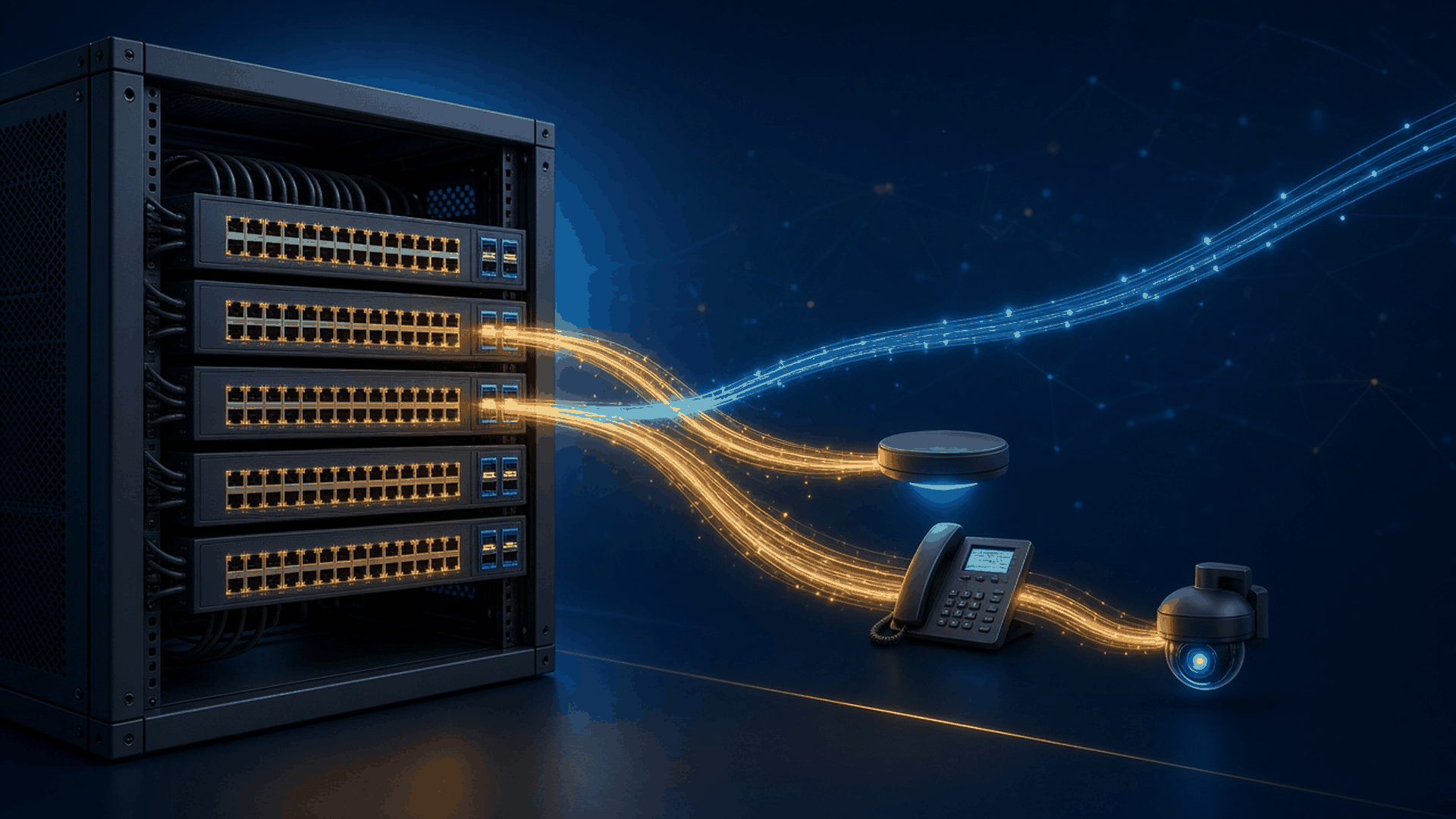
Cisco Catalyst 9300 Series switches are Cisco's lead stackable enterprise access platform: 1RU switches you stack into one logical switch per wiring closet to power and connect phones, access points, cameras, and desktops. Inside the series you choose between four families—C9300, C9300X, C9300L, and C9300LM—and those choices decide your uplinks, stacking speed, PoE budget, and license path.
This guide maps our live Cisco Catalyst 9300 Switches catalog to Cisco's datasheet so you can pick the right model inside the 9300 family. If you are still choosing between switch series, start with the Cisco Switch Buying Guide.
For cloud-managed versus on-prem Catalyst, see Meraki MS vs Catalyst 9000. For modular chassis closets, see our Catalyst 9400 buying guide.
Short answer: Pick C9300 (for example C9300-48P-A) when you want modular uplinks, StackWise-480, and StackPower on 1G PoE+, UPOE, or UPOE+ access. Pick C9300X (for example C9300X-48HX-A) when you need 10G Multigigabit UPOE+, 25G fiber access, 100G uplinks, or StackWise-1T. Pick C9300L (for example C9300L-48P-4X-A) when fixed 4×1G, 4×10G, or 2×40G uplinks and StackWise-320 are enough. Pick C9300LM (for example C9300LM-48UX-4Y-A) for shallow closets that need fixed SFP28 uplinks. The -A suffix means Network Advantage, -E means Network Essentials, -M means Meraki-managed, and on our listings -RF means refurbished.
How do the four Catalyst 9300 families compare?
C9300 and C9300X have modular uplinks and StackPower; C9300L and C9300LM have fixed uplinks, StackWise-320, and no StackPower. The table shows how uplinks, stacking, and PoE differ across the four families.
| Family | Uplinks | Stacking | Access ports and PoE | Pick it when |
|---|---|---|---|---|
| C9300 | Modular C9300-NM: 1G, Multigigabit, 10G, 25G, 40G | StackWise-480, up to 8 members; StackPower | 24/48×1G data, PoE+, UPOE 60W, UPOE+ 90W; 1G SFP; mGig up to 10G | Standard campus access with flexible uplinks |
| C9300X | Modular C9300X-NM: 1G, Multigigabit, 10G, 25G, 40G, 100G | StackWise-1T (480G when mixed with C9300); StackPower | 48/24×10G mGig UPOE+ 90W (48HXN mixes 5G and 10G); 48×10G mGig data; 12/24×25G SFP28 | Wi-Fi 6/6E density, fiber access, 100G uplinks, 100G IPsec |
| C9300L | Fixed 4×1G SFP, 4×10G SFP+, or 2×40G QSFP+ | StackWise-320 with optional stack kit; no StackPower | 24/48×1G data or PoE+; UPOE with 8 or 12 mGig ports (UXG) | Budget-conscious access that still needs Catalyst 9300 features |
| C9300LM | Fixed 4×SFP28 (25G on -A; Cisco lists -E at 10G) | StackWise-320 with C9300L-STACK-KIT2; no StackPower | 24/48×1G UPOE or data; 48UX adds 8×10G mGig | Shallow-depth closets and branch sites |
Per Cisco's datasheet, C9300 and C9300L/LM models use the UADP 2.0 ASIC with 8 GB of DRAM, while C9300X models use UADP 2.0sec with 16 GB of DRAM and line-rate IPsec up to 100G (an HSEC key is required for IPsec). The C9300LM chassis is about 13 inches deep (the 48T-4Y about 11 inches) versus 16 inches or more for the rest of the family.
How do you decode a Catalyst 9300 part number?
Take C9300-48P-A: C9300 is the family, 48 is the access-port count, P is the port type (1G PoE+), and -A is the embedded Network Advantage license. C9300L-24P-4X-E reads the same way with one more field: 24×1G PoE+, fixed -4X uplinks (4×10G SFP+), Network Essentials.
- T = 1G data only; P = 1G PoE+ (30W); PF (9300L) = 48×1G with full PoE+ budget; U = 1G Cisco UPOE (60W); H = 1G Cisco UPOE+ (90W); S = 1G SFP fiber.
- UX = 24×10G mGig UPOE; UXM = 36×2.5G plus 12×10G mGig UPOE; UN = 48×5G mGig UPOE; UB = higher-scale, deeper-buffer UPOE models; UXG (9300L) = UPOE with 8 or 12 10G mGig ports, the rest 1G.
- HX (9300X) = 10G mGig UPOE+; TX = 10G mGig data; HXN = 48 mGig UPOE+ ports, a mix of 5G and 10G; Y = 25G/10G/1G SFP28 fiber.
- Fixed uplinks (9300L/LM): -4G = 4×1G SFP, -4X = 4×10G SFP+, -2Q = 2×40G QSFP+, -4Y = 4×SFP28.
- License: -E = Network Essentials, -A = Network Advantage, -M = ordered in Meraki mode for Meraki dashboard management.
- Condition and spares: -RF means refurbished on M&F Collaboration listings (for example C9300-48P-E-RF); a trailing = marks a Cisco spare PID such as C9300-48H-A=.
A few listings carry extra packaging codes, such as C9300L-48PF-4X-10A. Ask us what is bundled with those units before you compare them with the base PID.
Which access ports do you need: PoE class, multigig, or fiber?
Phones, standard APs, and small cameras: 1G PoE+ covers most desks. C9300-48P-A and C9300-24P-A are the modular-uplink defaults; C9300L-48P-4G-E and C9300L-48PF-4X-E are the fixed-uplink equivalents. Pair voice rollouts with our Cisco IP Phone & Collaboration Buying Guide.
High-power endpoints: C9300-48U-A delivers 60W Cisco UPOE, while C9300-48H-A and C9300-24H-E deliver 90W Cisco UPOE+ (IEEE 802.3bt) on 1G copper. Some marketplace titles call the 24H "multigig"; Cisco's datasheet lists it as 24 ports of Cisco UPOE+ without mGig.
Wi-Fi 6/6E access points: Cisco Multigigabit ports run at 100M, 1G, 2.5G, 5G, or 10G, up to each port's rated maximum, over traditional Cat 5e/6 or better cabling. Choose C9300-48UXM-A (36×2.5G plus 12×10G), C9300-48UN-A (48×5G), or C9300-24UX-A (24×10G) on the C9300 side, and C9300X-48HX-A (48×10G UPOE+), C9300X-48HXN-A (48 mGig UPOE+ ports, a mix of 5G and 10G), or C9300X-24HX-E (24×10G UPOE+) when you want 90W and StackWise-1T. Match the port speed to the AP model using our Cisco wireless access point buying guide.
Fiber access and aggregation: C9300-24S-A and C9300-48S-E are 1G SFP switches (ignore any listing title that calls the 48S RJ-45). C9300X-12Y-A and C9300X-24Y-A are 25G/10G/1G SFP28 switches for fiber-to-the-edge or small aggregation blocks. Non-PoE copper closets can use C9300-48T-A or 10G mGig C9300X-48TX-A.
Which uplinks and network modules fit each 9300?
On C9300 and C9300X, uplinks come from a field-replaceable network module that is a separate PID chosen at purchase (Cisco's datasheet notes the default switch configuration does not include one), so list the module you want on the quote. C9300 modules include C9300-NM-4G (4×1G SFP), C9300-NM-4M (4×Multigigabit), C9300-NM-8X (8×10G SFP+), C9300-NM-2Y (2×25G SFP28), and C9300-NM-2Q (2×40G QSFP+). C9300X modules fit only C9300X switches: C9300X-NM-8Y (8×25G/10G/1G SFP28), C9300X-NM-8M-RF (8×10G mGig, refurbished), C9300X-NM-2C (2×100G/40G QSFP28), and C9300X-NM-4C (4×100G/40G, supported only on C9300X-48HX, C9300X-48TX, and C9300X-24Y). On C9300X-48HXN, Cisco limits usable network-module ports, so confirm the module before you order. 9300L and 9300LM uplinks are fixed in the PID. Add optics from Transceivers.
What are the Catalyst 9300 stacking and StackPower rules?
Every 9300 family stacks up to 8 members, but the stacking speed differs by family, and StackPower works only on C9300 and C9300X.
- StackWise-480 (C9300): up to 8 members with rear stack cables such as STACK-T1-50CM, STACK-T1-1M=, or STACK-T1-3M.
- StackWise-1T (C9300X): 1 Tbps between C9300X members; mixed C9300X and C9300 stacks run at StackWise-480 speed.
- StackWise-320 (C9300L/LM): up to 8 members with the optional C9300L-STACK-KIT; C9300LM requires C9300L-STACK-KIT2, which also works with C9300L.
- Stack members need the same license level. C9300L/LM cannot stack with modular C9300/C9300X models, and higher-scale UB models such as C9300-48UB-A stack only with other higher-scale models.
- StackPower pools power supplies across a StackPower stack of up to four C9300 or C9300X switches (C9300X adds StackPower+). It is not supported on C9300L or C9300LM.
How do power supplies set the PoE budget?
Every 9300 supports dual redundant power supplies, and Cisco lists one default supply per model. That default supply sets your PoE budget: a C9300-48P with its 715W supply has 437W available for PoE, and Cisco specifies two 1100W supplies (or one 1100W plus one 715W) for 30W PoE+ on all 48 ports. A C9300-48U ships with 1100W (822W of PoE) and reaches 1,800W of PoE with a second 1100W supply. On the fixed-uplink side, a C9300L-48P-4X has 505W of PoE while the C9300L-48PF-4X ships with 1100W for 890W. C9300, C9300X, and C9300L share the PWR-C1 supplies we stock as spares—PWR-C1-350WAC-P=, PWR-C1-715WAC-P=, and PWR-C1-1100WAC-P=—while C9300LM uses its own power supplies. See more in Cisco Power Supplies.
Which licenses does a Catalyst 9300 need?
The -E or -A suffix is a perpetual Network Essentials or Network Advantage license embedded in the hardware. Network Essentials covers Layer 2, routed access (RIP, EIGRP Stub, OSPF up to 1,000 routes), 802.1X, MACsec-128, and SSO. Network Advantage adds BGP, full EIGRP and OSPF, IS-IS, VRF, VXLAN, LISP, MPLS, Cisco TrustSec/SGT, NETCONF/RESTCONF, MACsec-256, and Extended Fast Software Upgrade. For new orders, Cisco requires a matching-tier Cisco DNA or Cisco Catalyst Essentials or Advantage subscription with a 3-, 5-, or 7-year term; alternatively, Cisco now offers unified licensing through the Cisco Networking Subscription (Cisco Switching Essentials and Advantage tiers, 36-month minimum). -M models such as C9300-48P-M and C9300L-24P-4X-M need a Meraki Enterprise or Advanced license (1-, 3-, 5-, 7-, or 10-year term), and accessories such as uplink modules and secondary power supplies are ordered separately. On refurbished units, confirm Smart Account entitlements before production use.
What should a Catalyst 9300 RFQ include?
Confirm these items before you request a quote so the switch, uplinks, power, and licenses arrive as one complete closet BOM.
- Family: C9300, C9300X, C9300L, or C9300LM, and the uplink speed you need on day one
- Port count, PoE class (PoE+, UPOE, UPOE+), and how many mGig or SFP/SFP28 ports
- Total PoE watts per switch, then primary and secondary power supplies
- Network module PID (modular models) and the optics and cables for each uplink
- Stack size, stack cables or stack kit, and StackPower cables (C9300/C9300X only)
- License: -E, -A, or -M, plus the subscription tier and term
- Condition: new, spare (=), or refurbished (-RF), plus quantity and delivery date
Cisco Catalyst 9300 FAQ
What is the difference between Catalyst 9300, 9300X, 9300L, and 9300LM?
C9300 and C9300X have modular uplinks and StackPower; C9300X adds 10G mGig UPOE+, 25G SFP28 access ports, 100G uplinks, and StackWise-1T. C9300L and C9300LM have fixed uplinks, StackWise-320, and no StackPower; C9300LM is the shallow-depth model.
Does a Catalyst 9300 come with an uplink module?
Only if one is ordered with it. On C9300 and C9300X, network modules are separate PIDs, so add one such as C9300-NM-8X or C9300X-NM-2C to the quote. C9300L and C9300LM uplinks are fixed.
What does -RF mean on a Catalyst 9300 listing?
On M&F Collaboration listings, -RF means refurbished. C9300-48P-E-RF is a refurbished C9300-48P-E. Confirm license entitlements on your Smart Account before production use.
Can I stack a C9300L with a C9300?
No. C9300L and C9300LM stack only with each other over StackWise-320. C9300 and C9300X stack together at StackWise-480 speed, and all members need the same license level.
Is a Cisco DNA or Cisco Catalyst subscription required?
Yes. New -E and -A orders need a term subscription: a matching-tier Cisco DNA or Cisco Catalyst subscription (3, 5, or 7 years) or Cisco Networking Subscription switching licenses. -M models need a Meraki Enterprise or Advanced license instead.
Which 9300 model suits Wi-Fi 6/6E access points?
Choose a Multigigabit model. C9300-48UXM-A, C9300-48UN-A, and C9300-24UX-A offer UPOE mGig ports; C9300X-48HX-A and C9300X-48HXN-A add 90W UPOE+ and StackWise-1T.
About this guide
Prepared by M&F Collaboration, a B2B reseller of Cisco networking, collaboration, power, and UCS hardware based in West Chicago, Illinois. Model, PoE, stacking, and licensing details were checked against Cisco's Catalyst 9300 Series data sheet and Catalyst 9300 Series ordering guide. When a marketplace listing title disagrees with Cisco's datasheet, we follow the datasheet.
Need a Catalyst 9300 quote?
Send us your port count, PoE budget, uplink speed, stack size, and license tier. We will match the 9300 model, network module, power supplies, and stack cables, new or refurbished, so the closet BOM is complete.
Request a Quote Email sales@mnfcollaboration.com Call 630-984-9092
Prefer to browse first? Explore Cisco Switch Modules or all Cisco Switches.