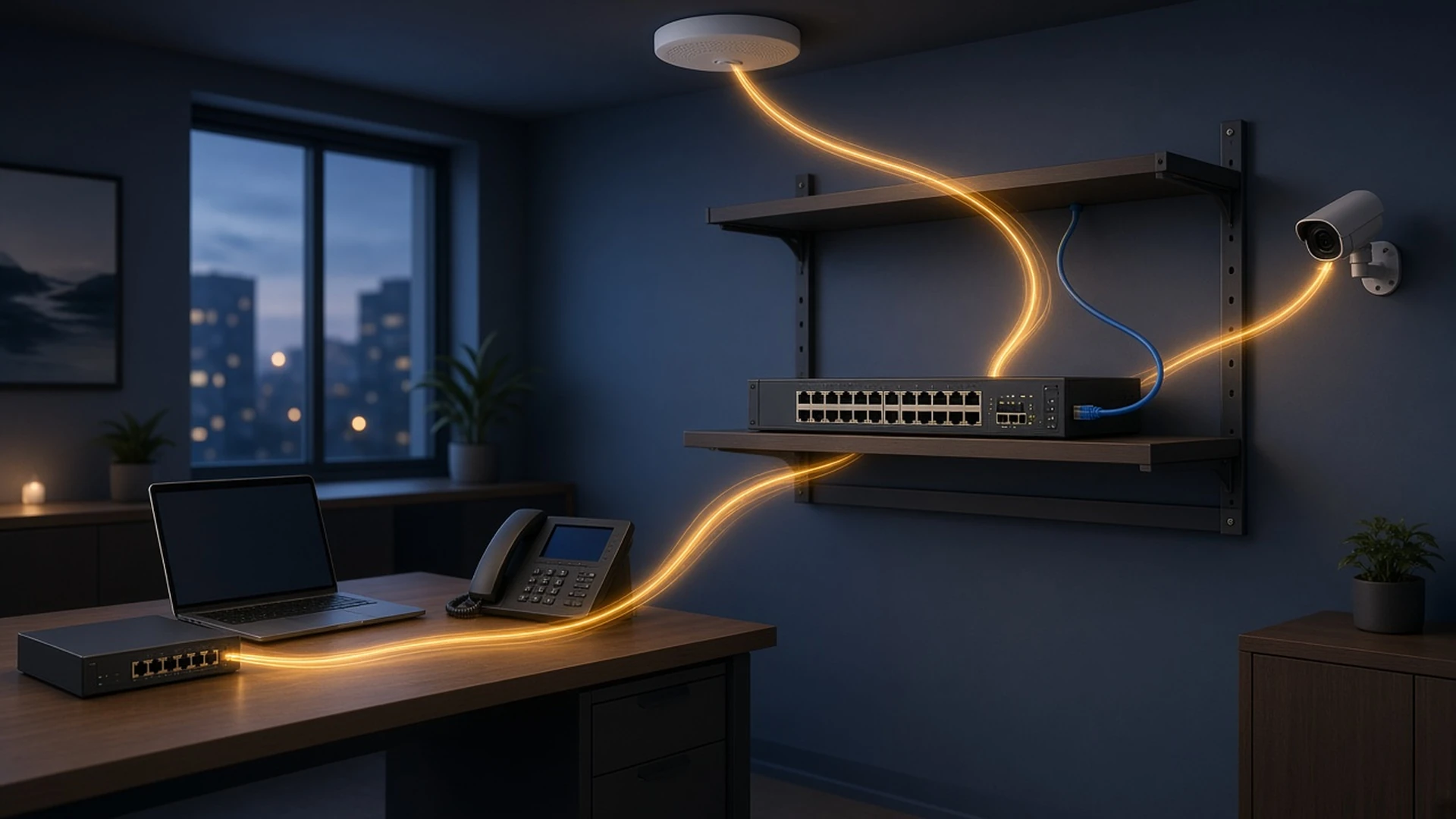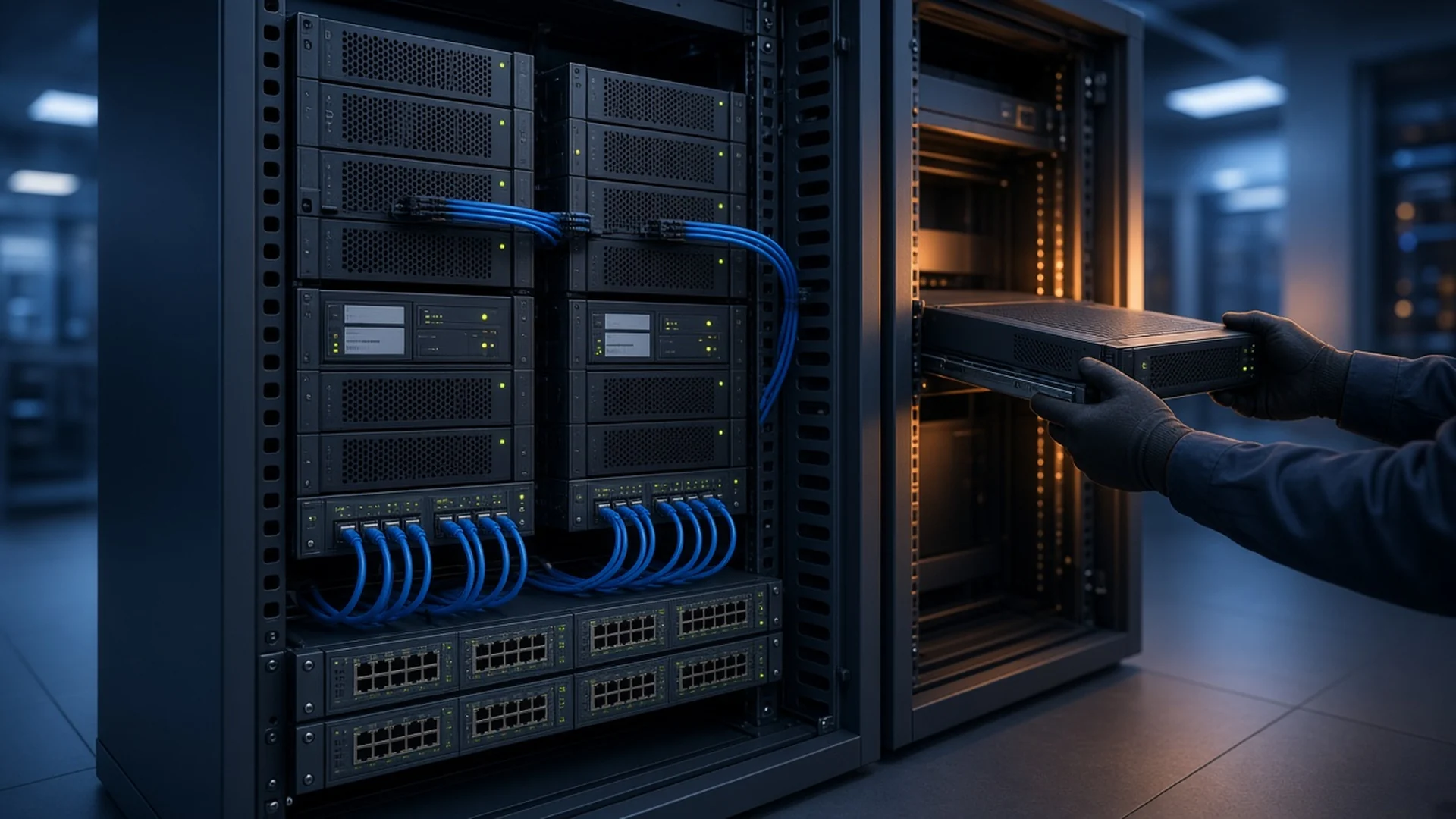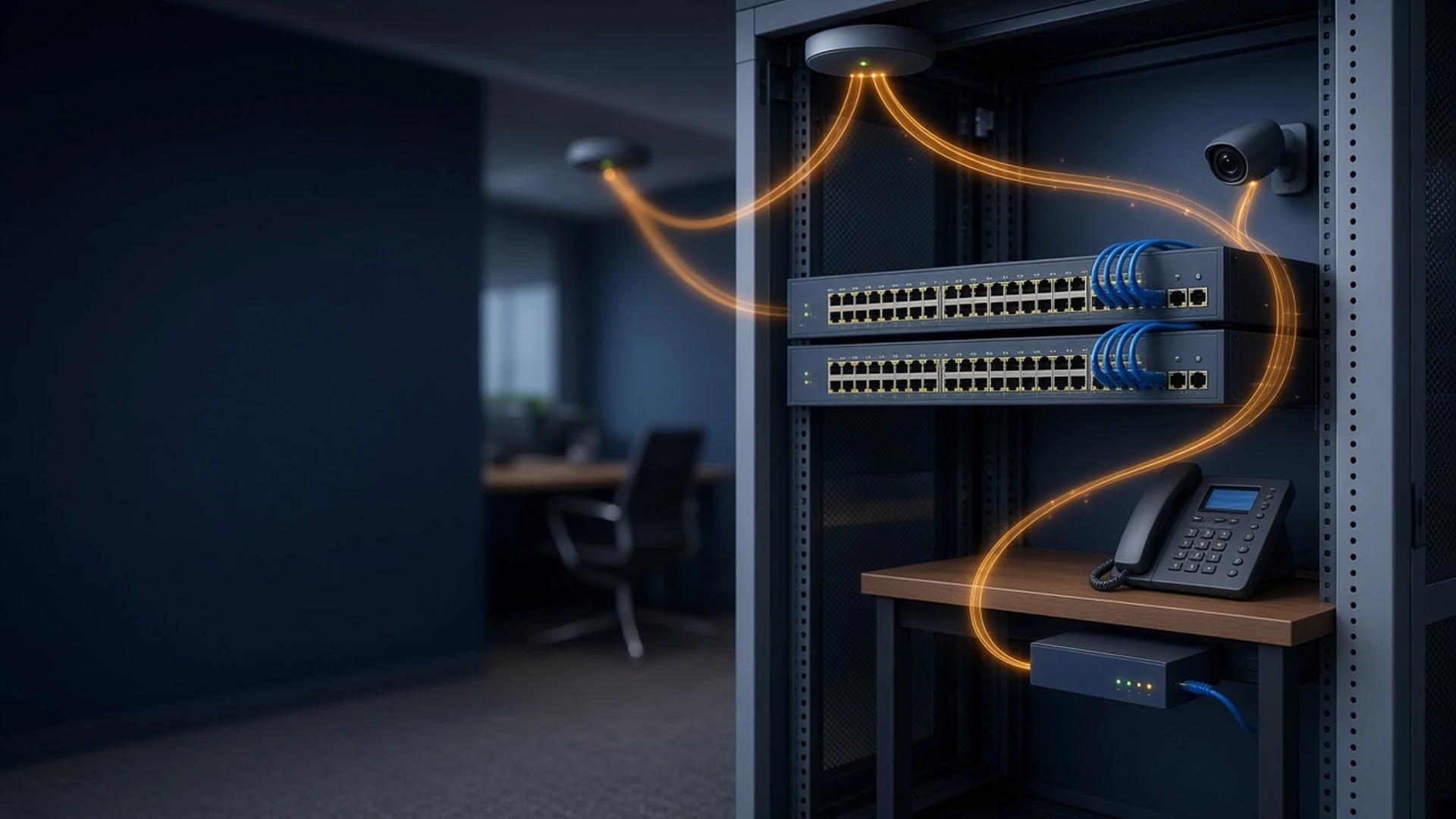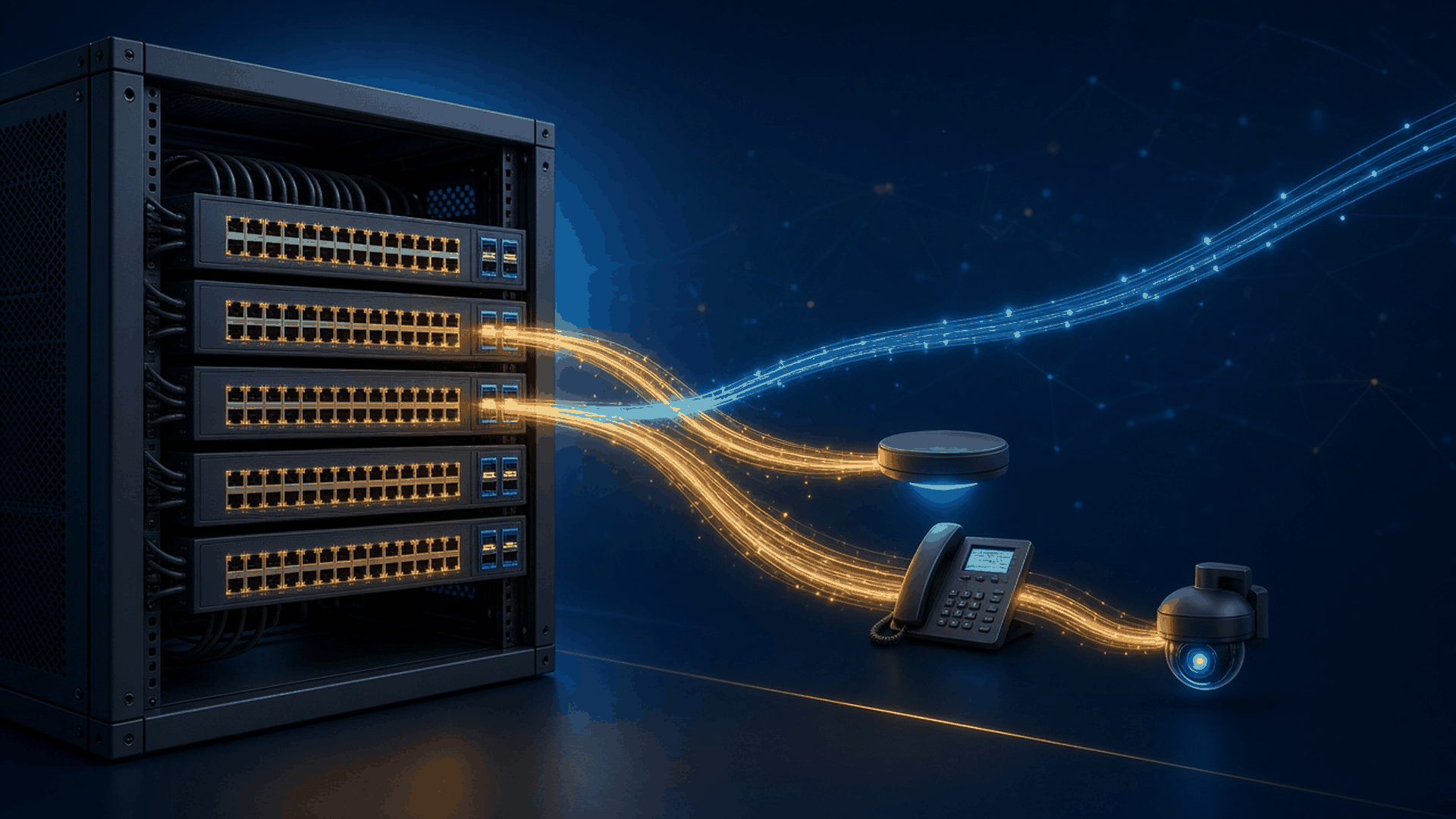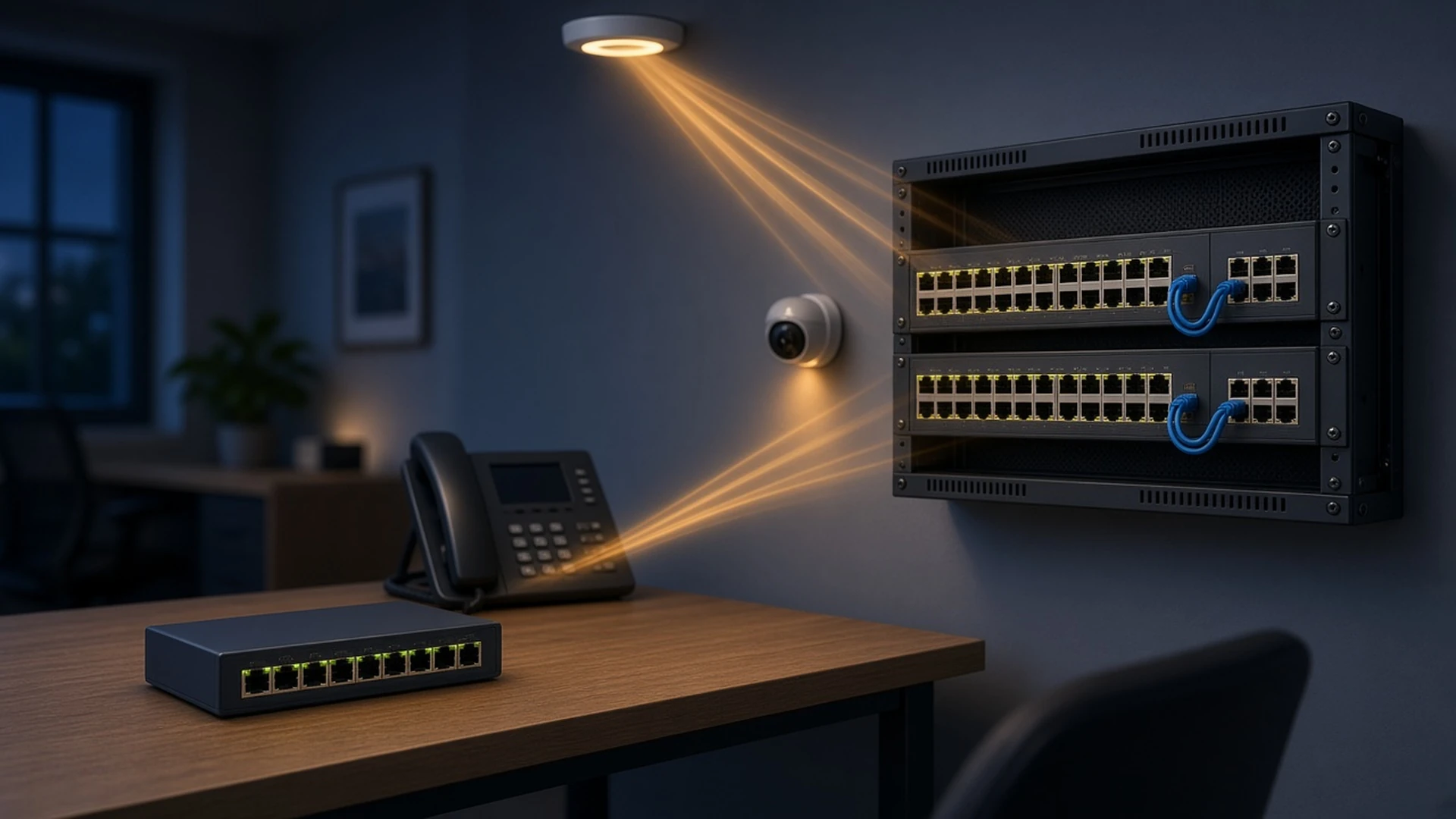
Cisco Catalyst 1300 Series switches are fixed, managed Layer 3 switches for branch offices and small and midsize business networks. The range covers fanless 8-port switches for a desk or shelf, 48-port PoE+ closet switches, 2.5G and 5G Multigigabit models for access points, and all-10G switches for aggregation. You can browse our current listings in the Cisco Catalyst 1300 Switches category.
This guide maps those listings to Cisco's Catalyst 1300 and 1300X data sheet so you can quote the right part number the first time. If you are still choosing between switch series, start with the Cisco Switch Buying Guide; if the site needs IOS XE and enterprise campus features, read the Cisco Catalyst 9200 Switch Buying Guide.
Short answer: For most office closets, pick a Gigabit C1300 with 10G uplinks, such as C1300-24P-4X, because the -4X models stack up to eight switches. Pick an MGP model when access points need 2.5G ports, a C1300X model when they need 5G ports or 60W PoE++ or the site needs OSPF, and an all-10G model such as C1300-24XTS to aggregate stacks and servers. On our listings, -RF means refurbished.
What is the Cisco Catalyst 1300 Series?
The Catalyst 1300 is Cisco's fixed, managed Layer 3 switch line for branch and small-business networks. It runs Cisco's Linux-based switch software rather than IOS XE, and you manage it through a built-in web interface, a full CLI, SNMP, the Cisco Business Dashboard, or the Cisco Business mobile app. C1300X models extend the line upward.
Every model supports 802.1X, dynamic ARP inspection, IP Source Guard, DHCP snooping, IPv6 First Hop Security, up to 4,094 VLANs, static and RIPv2 routing, policy-based routing, and a built-in DHCP server. Dual firmware images let you upgrade with minimal downtime. Every 8- and 16-port C1300 model except C1300-16XTS is fanless, as are C1300-24T-4G, C1300-24P-4G, C1300-24T-4X, and C1300-24P-4X, which suits open offices, classrooms, and retail floors.
How do you read a Catalyst 1300 part number?
Read it left to right: series (C1300 or C1300X), access-port count, port type, then the uplink code, with -RF added on our refurbished listings. For example, C1300-48FP-4X is a 48-port Gigabit switch with full PoE+ on a 740W budget and four 10G SFP+ uplinks.
- Gigabit port types: T = 1G data only; P = 1G PoE+ with a smaller power budget; FP = 1G PoE+ with the full budget; MGP = PoE+ on a mix of 1G and 2.5G Multigigabit ports.
- 10G models: XT = 10G copper, XS = 10G SFP+, XTS = a mix of 10G copper and 10G SFP+. Each has a separate 1G out-of-band management port.
- C1300X Multigigabit models: MU = 24 2.5G ports, 8 of them with 60W PoE++; NU = 10 5G ports, all with 60W PoE++; NGU = 1G PoE+ ports plus 8 5G ports with 60W PoE++.
- Uplinks: -2G = 2×1G (combo copper/SFP ports on 8-port models); -4G = 4×1G SFP; -2X or -4X = 2 or 4 10G SFP+, or SFP28 on C1300X, where uplinks run at 10G and 25G is reserved for stacking.
- Exact PIDs: the 8-port data and PoE+ models are written C1300-8T-E-2G and C1300-8P-E-2G, so copy the -E exactly when you order.
- Condition: -RF means refurbished on M&F Collaboration listings, for example C1300-48FP-4X-RF.
Which Catalyst 1300 family fits your site?
Match the family to the job: Gigabit models with 1G uplinks for small standalone closets, Gigabit -4X models for stacked office closets, MGP and C1300X models for Multigigabit access points and 60W devices, and the all-10G models to aggregate stacks, servers, or storage.
| Family | Examples on our site | Access ports | Uplinks | PoE budget (PoE models) | Stacking |
|---|---|---|---|---|---|
| Gigabit, 1G uplinks | C1300-8FP-2G, C1300-24T-4G | 8 to 48×1G | 2×1G combo or SFP, or 4×1G SFP | 67W to 740W | No |
| Gigabit, 10G uplinks | C1300-16P-4X, C1300-48T-4X | 16 to 48×1G | 4×10G SFP+ | 120W to 740W | Up to 8, with -4X and MGP models |
| Multigigabit (MGP) | C1300-8MGP-2X, C1300-48MGP-4X | 4, 8, or 16 2.5G ports, the rest 1G | 2 or 4×10G SFP+ | 120W, 375W, or 740W | Up to 8, with -4X and MGP models |
| All-10G | C1300-12XS, C1300-16XTS | 12 to 24×10G copper, SFP+, or both | Any 10G port | None | Up to 8, with other 10G models |
| C1300X | C1300X-48P-4X, C1300X-24NGU-4X | 24 or 48×1G, 24×2.5G, 10×5G, or 1G plus 8×5G | 2 or 4×10G SFP28 | 385W or 740W | Up to 8, C1300X only |
Cisco lists 1 GB of DRAM on C1300 and 2 GB on C1300X. Only C1300X adds OSPFv2 and OSPFv3 on top of the static routes, RIPv2, and policy-based routing that every model runs, and C1300X raises stacking bandwidth by running stack links at 25G over its SFP28 ports.
How much PoE budget do you need?
Add up the watts of every powered device, then pick a model whose total PoE budget covers it with headroom. Each PoE port on a C1300 delivers up to 30W PoE+, but the switch budget is the real limit: C1300-24P-4X shares 195W across 24 ports, while C1300-48FP-4X has 740W for 48 ports.
Phones and cameras: P models suit closets with a few powered devices per switch: C1300-8P-E-2G has 67W, C1300-16P-2G has 120W, and C1300-24P-4G has 195W. FP models carry a larger budget for the same port count, such as 120W on C1300-8FP-2G and 240W on C1300-16FP-2G. Persistent PoE keeps devices powered while the switch reboots, and time-based PoE can turn ports off after hours.
Multigigabit access points: MGP models pair 2.5G PoE+ ports with 1G ports. C1300-8MGP-2X has 4×2.5G on a 120W budget, C1300-24MGP-4X has 8×2.5G on 375W, and C1300-48MGP-4X has 16×2.5G on 740W. Match AP speed and power with our Cisco wireless access point buying guide.
Wi-Fi 7 and other 60W devices: C1300X adds 802.3bt Type 3 PoE++ at up to 60W per port, which Cisco positions for full-featured Wi-Fi 7 access points. C1300X-10NU-2X has ten 5G PoE++ ports on a 385W budget, so check the real draw of your APs: ten devices at a full 60W would need 600W. C1300X-24NGU-4X and C1300X-48NGU-4X add eight 5G PoE++ ports to 16 or 40 1G PoE+ ports on 740W, and C1300X-24MU-4X has 24×2.5G ports, 8 of them PoE++, on 740W.
Port speeds: Cisco notes that the 10G copper and SFP+ ports on the 1300 run at 10G or 1G, so put 2.5G and 5G access points on MGP or C1300X Multigigabit ports rather than on an all-10G model.
Which Catalyst 1300 models stack, and how?
The -4X Gigabit models, the MGP models, the all-10G models, and every C1300X model stack up to eight switches, managed as one system with a single IP address and up to 400 ports. Stacks are built only within a family, and the 1G-uplink -2G and -4G models do not stack at all.
- C1300 family 1: C1300-16P-4X, the 24- and 48-port -4X models, and the three MGP models.
- C1300 family 2: the all-10G models, C1300-12XT-2X, C1300-12XS, C1300-16XTS, C1300-24XS, C1300-24XT, and C1300-24XTS.
- C1300X family: all eight C1300X models. Cisco does not support stacking across families.
- Stack links: stacking runs over front-panel 10G ports with SFP+ optics from Cisco's supported list, such as SFP-10G-SR, so reserve those ports when you plan uplinks. C1300X runs stack links at 25G on its SFP28 ports.
- Resilience: ring or chain topologies, active and standby stack control, hot swap of members, and link aggregation across stack members.
Catalyst 1300, 1200, or 9200: which should you buy?
Choose the Catalyst 1300 when a branch or small office needs stacking, RIPv2 or OSPF routing, Multigigabit or 10G ports, and no software subscription. Step down to Catalyst 1200 for basic standalone switching, and step up to Catalyst 9200 when the site needs IOS XE and enterprise campus features.
Cisco's Catalyst 1200 data sheet lists static routing only (32 static routes and 16 IP interfaces) and up to 255 active VLANs, and it does not list stacking. Cisco Catalyst 9200 Switches run IOS XE with StackWise stacking, field-replaceable power supplies on C9200 and C9200L, and SD-Access support, and new units are ordered with a Cisco Networking Subscription in the Switching Essentials or Switching Advantage tier. The 1300 has no license tier in its part number, and Cisco's ordering table lists no software subscription for it.
What should a Catalyst 1300 RFQ include?
Confirm these items before you request a quote so we can match the switch, PoE budget, optics, and stack plan in one quote.
- Series and family: C1300 or C1300X, and which stack family if you plan to stack
- Port count and type: data, PoE+, 2.5G or 5G Multigigabit, or 10G
- Number of powered devices and total PoE watts per switch, including any 60W devices
- Uplink speed, plus SFP or SFP+ optics for every uplink and stack link
- Mounting: desk, wall, or rack; only the 24- and 48-port models include 19-inch rack brackets
- Management: web interface, CLI, or Cisco Business Dashboard
- Condition: new or refurbished (-RF), plus quantity and delivery date
Cisco Catalyst 1300 FAQ
What is the difference between Catalyst 1300 and 1300X?
C1300X adds OSPFv2 and OSPFv3 routing, 2 GB of DRAM instead of 1 GB, SFP28 ports that run stack links at 25G, and 2.5G or 5G Multigigabit models with 60W PoE++. C1300X switches stack only with other C1300X models.
Can Catalyst 1300 switches be stacked?
Yes, up to eight switches per stack, managed as one system with a single IP address and up to 400 ports. The -4X and MGP models stack together, the all-10G models stack together, and C1300X stacks only with C1300X. The 1G-uplink -2G and -4G models do not stack.
How much PoE does a 48-port Catalyst 1300 provide?
C1300-48FP-4G, C1300-48FP-4X, and C1300-48MGP-4X have a 740W PoE budget, enough for 30W on 24 ports or about 15W on all 48. C1300X-48P-4X and C1300X-48NGU-4X also have 740W, and the 48-port P models have a smaller budget.
Which Catalyst 1300 models support Wi-Fi 7 access points?
Cisco positions the C1300X PoE++ models for full-featured Wi-Fi 7 access points: C1300X-10NU-2X, C1300X-24NGU-4X, and C1300X-48NGU-4X with 5G ports, and C1300X-24MU-4X with 2.5G ports. Each delivers 60W 802.3bt PoE++ on 8 or 10 ports.
Do Catalyst 1300 switches need a software license?
Cisco's ordering table for the Catalyst 1300 and 1300X lists only hardware part numbers, with no license tier in the PID and no software subscription to add. Catalyst 9200, by contrast, is ordered with a Cisco Networking Subscription.
What does -RF mean on a Catalyst 1300 listing?
On M&F Collaboration listings, -RF means refurbished. For example, C1300-24P-4X-RF is a refurbished C1300-24P-4X. Ask us for the warranty terms on refurbished units with your quote.
About this guide
Prepared by M&F Collaboration, a B2B reseller of Cisco networking, collaboration, power, and UCS hardware based in West Chicago, Illinois. Model, PoE budget, stacking, and licensing details were checked against Cisco's Catalyst 1300 and 1300X data sheet, and the Catalyst 1200 comparison against Cisco's Catalyst 1200 data sheet. When a marketplace listing title disagrees with Cisco's data sheet, we follow the data sheet.
Need a Catalyst 1300 quote?
Send us your port count, powered devices, uplink speed, and stack plan. We will match the 1300 or 1300X model and the optics, new or refurbished, so the branch BOM is complete.
Prefer to browse first? Explore these categories: