Most Wi-Fi complaints we hear from enterprise buyers aren't really about the access point. They come from an AP that was chosen for the wrong room: an office model hung over 30-foot warehouse racks, a Wi-Fi 7 flagship on a 1G PoE+ port, or a cheap refresh that left half the building on a regulatory domain nobody checked. Choosing Cisco wireless access points gets much easier once you match the AP to the space, the clients, and the switch port feeding it.
This guide is for procurement leads and network engineers shortlisting Cisco APs for offices, warehouses, and mixed sites. We'll walk through the questions that matter, map them to real Cisco wireless access points in stock at M&F Collaboration, and finish with what to put in your RFQ so the quote arrives right the first time.
Start with the space, not the spec sheet
An office and a warehouse can both be 50,000 square feet and still need completely different wireless designs. Before you compare radios, write down three things for each area: ceiling height, what fills the space (people, drywall, metal racking, product), and what the clients actually do.
Carpeted office and hybrid workspace
Offices are about client density. Laptops, phones, headsets, and video calls all hit the same APs at 9:05 on a Monday. The design goal is enough capacity per AP, clean 5 GHz and 6 GHz channels, and mounting at a standard drop-ceiling height. Internal-antenna models are the norm here. Conference rooms and all-hands spaces usually justify the higher-end radios.
Warehouse, distribution, and manufacturing floors
Warehouses are about coverage and roaming. Handheld scanners, vehicle-mounted terminals, and label printers need consistent signal down long aisles, and metal racking plus stored product (especially liquids) absorbs and reflects RF. High ceilings often call for external-antenna APs with directional or patch antennas aimed down the aisles instead of omni coverage washing across the roof. Dust, temperature swings, and forklift traffic may push you toward industrial-rated hardware.
Mixed sites
Many facilities have both: an office block at the front and a warehouse behind it. Treat them as two designs under one SSID plan. It is normal, and usually cheaper, to run premium indoor APs in the office and a different model family on the floor.
Pick the right Wi-Fi generation for your clients
The newest standard is not automatically the right buy. The best choice depends on what your client devices support and how long the APs need to last.
- Wi-Fi 7 (802.11be): the right call for new office builds and refreshes meant to run five-plus years. Tri-band 2.4/5/6 GHz and multigigabit uplinks give headroom for dense rooms. Stocked examples include the CW9171I-RTG (2x2, tri-band) and the higher-capacity CW9178I-RTG (4x4, four-radio design).
- Wi-Fi 6 (802.11ax), Catalyst 9100: still a strong, cost-effective workhorse, especially where clients are Wi-Fi 6 laptops and handhelds. The C9120AXE-B-RF is a 4x4 model with a 2.5G uplink. Its "E" means external antenna connectors, which makes it useful in warehouses where you want to pick the antenna pattern. The C9115AXE-Z-RF fills a similar role for sites in its regulatory domain.
- Wi-Fi 5 Aironet (1540/1800 series): best for like-for-like replacements on existing controller deployments, spares, and budget-capped sites. Examples include the AIR-AP1815IEK9C-RF, the 4x4 AIR-AP1852EEK9C-RF, and the outdoor-rated AIR-AP1542I-BK9-RF for yards and loading docks.
A practical rule: if a site is being redesigned, buy current-generation. If you're swapping failed units in a stable, controller-managed deployment, matching the installed model is often the lower-risk, lower-cost move.
Management model: controller, embedded, or cloud
Decide how the APs will be managed before you pick part numbers. Getting this wrong is one of the most common reasons an AP order has to be re-quoted.
- Catalyst 9800 controller: the traditional campus approach, with centralized policy and deep RF tuning. It fits teams that already run a controller estate.
- Embedded Wireless Controller (EWC): the controller runs on the AP itself, which suits smaller sites that don't want a separate appliance. EWC-capable SKUs are marked in the part number, such as the C9120AXE-EWC-E-RF.
- Cloud-managed (Meraki dashboard): suits many similar sites with a lean IT team. If your switching is already on Meraki MS, keeping wireless in the same dashboard simplifies day-2 operations. Cisco's Wi-Fi 7 generation is designed to support either cloud or controller management, so confirm the intended mode and licensing when you request a quote.
If you're still weighing cloud against campus operations for the wired side, our Meraki MS vs Catalyst 9000 guide covers that decision in depth. Wireless usually follows the same answer.
Don't forget the switch port behind every AP
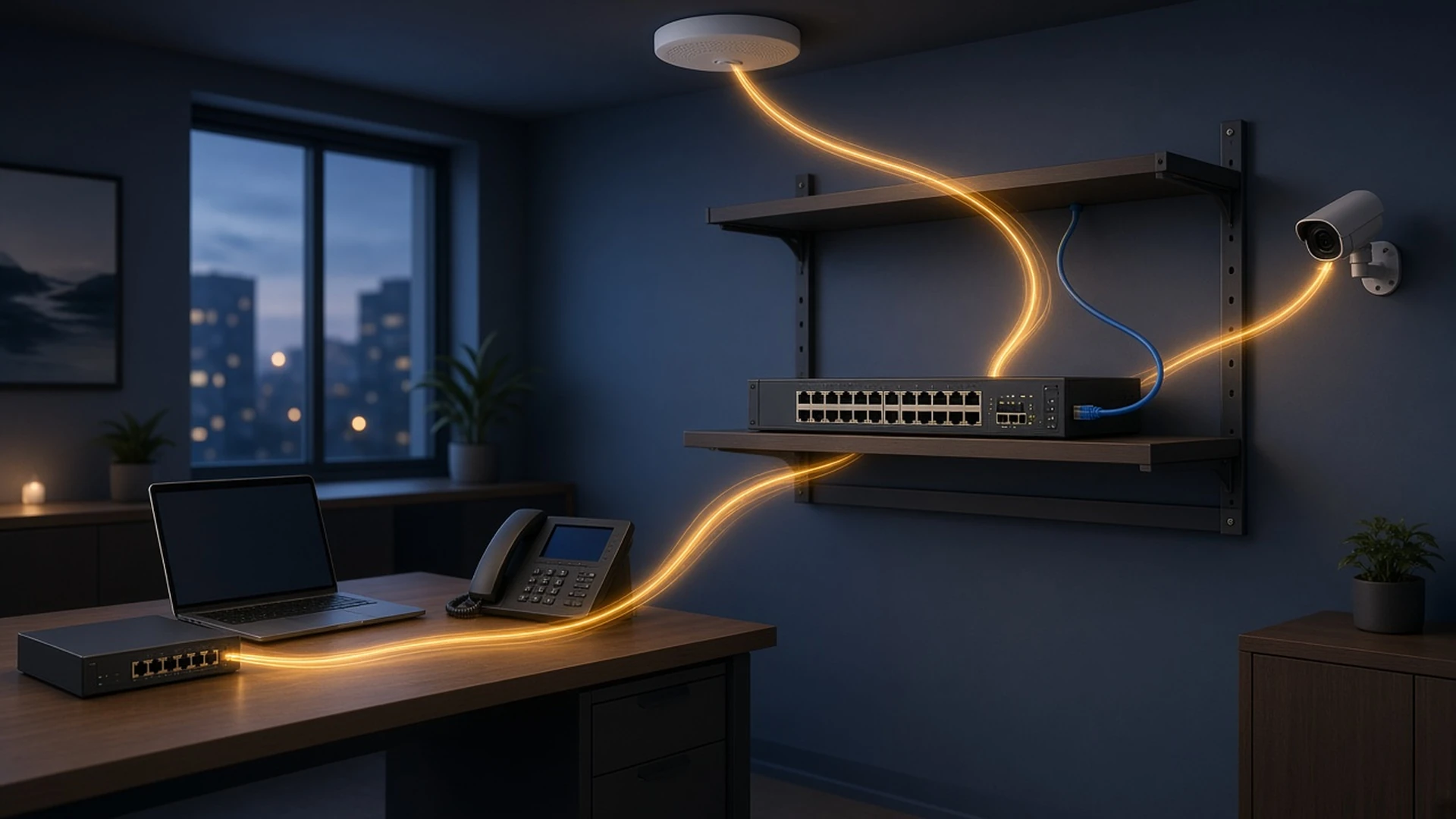
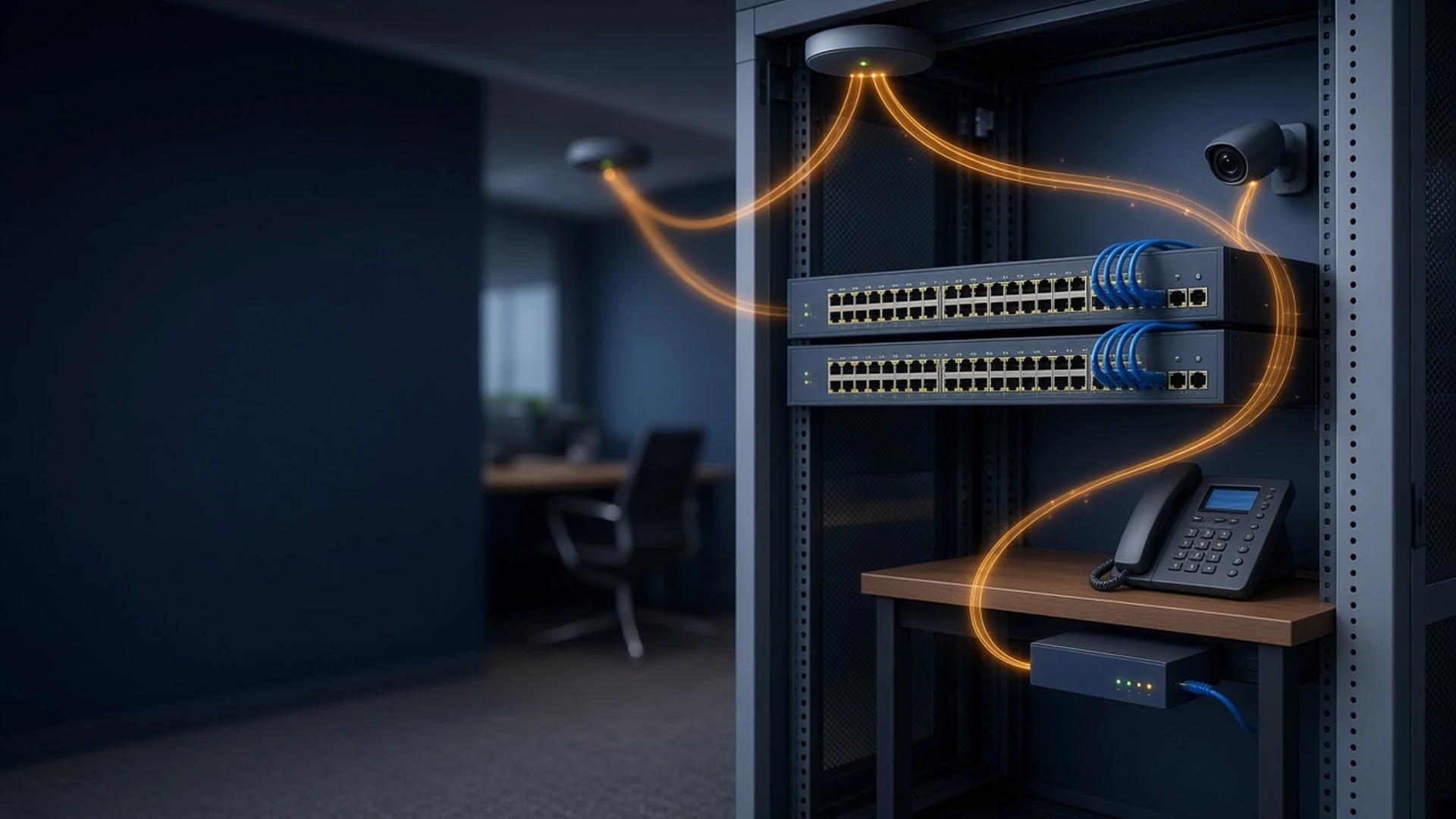
An AP can only perform as well as the switch port feeding it. Check three things per closet:
PoE class and budget
Higher-end Wi-Fi 6 and Wi-Fi 7 APs can draw more than basic PoE+ provides at full radio capability. Confirm the AP's power requirement, then total it across every AP, camera, and phone on the switch. A full-PoE+ access switch like the C9300L-48PF-4XA-RF or a UPOE platform gives you headroom so the APs don't come up in a reduced-power mode.
Multigigabit uplinks
4x4 Wi-Fi 6 and Wi-Fi 7 radios can push past 1 Gbps under load. Match 2.5G/5G/10G AP uplinks with multigig switch ports, such as the C9300L-24UXG4XA-RF (8 mGig UPOE ports) or C9300L-48UXG4XA-RF. Browse the full Catalyst 9300 and Catalyst 9200 ranges to match port counts.
Cabling and optics
Multigig over copper depends on cable quality and run length, so verify the plant before you promise 5G to the ceiling. Long warehouse runs may need fiber back to an IDF. Budget transceivers and network cables on the same order so the install isn't waiting on a $40 part.
Warehouse-specific choices: antennas, outdoor, and industrial
Three decisions set warehouse wireless apart from office wireless:
- External antennas: pair an external-antenna AP with directional or patch Cisco antennas to cover aisles efficiently, and confirm connector type and gain with your RF design.
- Outdoor and dock coverage: loading docks and yards need weather-rated APs. The AIR-AP1542I series is a common, cost-effective option.
- Industrial and mobility backhaul: for harsh environments, moving vehicles, or wireless backhaul between buildings, industrial platforms like the IW9167EH-E-URWB are built for the job. Pair them with Cisco industrial switches when the wired edge lives on the floor too.
Part-number details that change the quote
Cisco AP part numbers encode decisions that matter for procurement:
- Regulatory domain: the suffix letter (for example -B, -E, -Z) must match the country where the AP will operate. Mixing domains across a multi-country rollout is a classic compliance mistake.
- Antenna type: "I" usually means internal antennas and "E" means external connectors.
- Condition: "-RF" indicates remanufactured stock. It's often a smart choice for spares and like-for-like swaps. Our wireless catalog lists condition on each item.
- Mounting and power: confirm mounting brackets and whether any APs need power injectors where switch PoE won't reach.
How to request an AP quote from M&F Collaboration
- List areas by type (office, warehouse, outdoor) with approximate square footage and ceiling height.
- Choose the management model: Catalyst 9800, EWC, or cloud.
- Shortlist models from the access point category, or give us generation and radio targets and we'll suggest options.
- Add the switching, PoE, antennas, and optics each closet needs.
- Send it through the RFQ form or Contact Us, with quantities, regulatory domain, condition preference (new or refurbished), and target ship date.
We return line-item quotes across APs, switches, antennas, and accessories, so you can compare total delivered scope, not just AP unit price. For multi-site rollouts, see our shipping details for transit planning.
Ready to spec your wireless refresh?
Send us your floor areas, AP targets, and switch plan. We'll return a line-item quote covering access points, PoE switching, antennas, and optics, in new or refurbished condition.
Request a Quote Email sales@mnfcollaboration.com Call 630-984-9092
Prefer to browse first? Explore Cisco wireless access points or reach us via Contact Us.