Cisco's collaboration portfolio spans desk telephony, room-based video conferencing, and the accessories that connect them - from a single 6800 Series desk phone to a fully outfitted Webex boardroom. This guide breaks the lineup down by use case so you can match hardware to the room or role you're outfitting.
Cisco IP Phone Series Compared
| Series | Best For | Key Features |
|---|---|---|
| 6800 Series | Common areas, low-usage extensions | 2–4 lines, PoE-powered, basic LCD |
| 7800 Series | Standard office desks | 2–16 lines, wideband audio, CUCM or Multiplatform firmware |
| 7900 Series (legacy) | Maintaining existing deployments | Expansion modules still available (7915/7916) |
| 8800/8900 Series | Managers, small conference rooms | Color display, HD audio, optional video (8845/8865) |
| 9900 Series | Executive desks | Integrated video via camera accessory |
Desk Phone vs. Video Conferencing System: Which Do You Need?
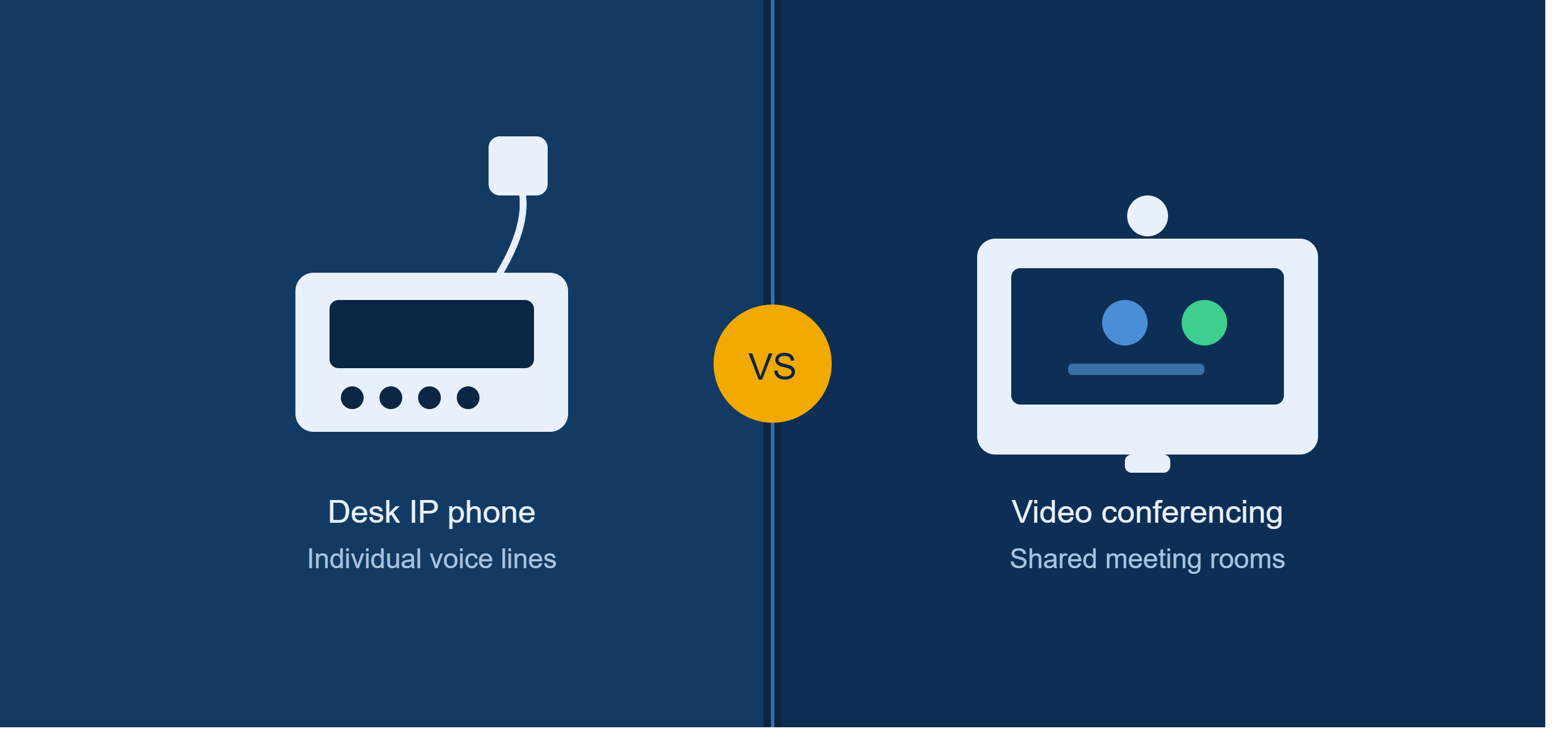
- Choose an IP Phone (browse Cisco IP Phones) when the requirement is individual voice extensions at desks, common areas, or lobby/break-room stations.
- Choose a Video Conferencing System (browse Video Conferencing Systems, including Cisco Webex) when outfitting huddle rooms, conference rooms, or boardrooms that need shared camera, audio, and screen-sharing for group calls.
- Combine both in most office builds: desk phones for individual lines, Webex room kits for shared meeting spaces, tied together with the mounting hardware in Mounts and Stands.
Sizing a Meeting Room
- Huddle room (2–4 people) — compact Webex device, single wide-angle camera, no ceiling mic needed
- Standard conference room (5–10 people) — Webex Room Kit-class system, consider a wired conference microphone such as the 8832 wired mic kit
- Boardroom (10+ people) — larger Webex system with multi-camera framing and ceiling-mounted mic coverage, e.g. Ceiling Microphone Pro, plus display mounting from Mounts and Stands
Power & Connectivity Planning
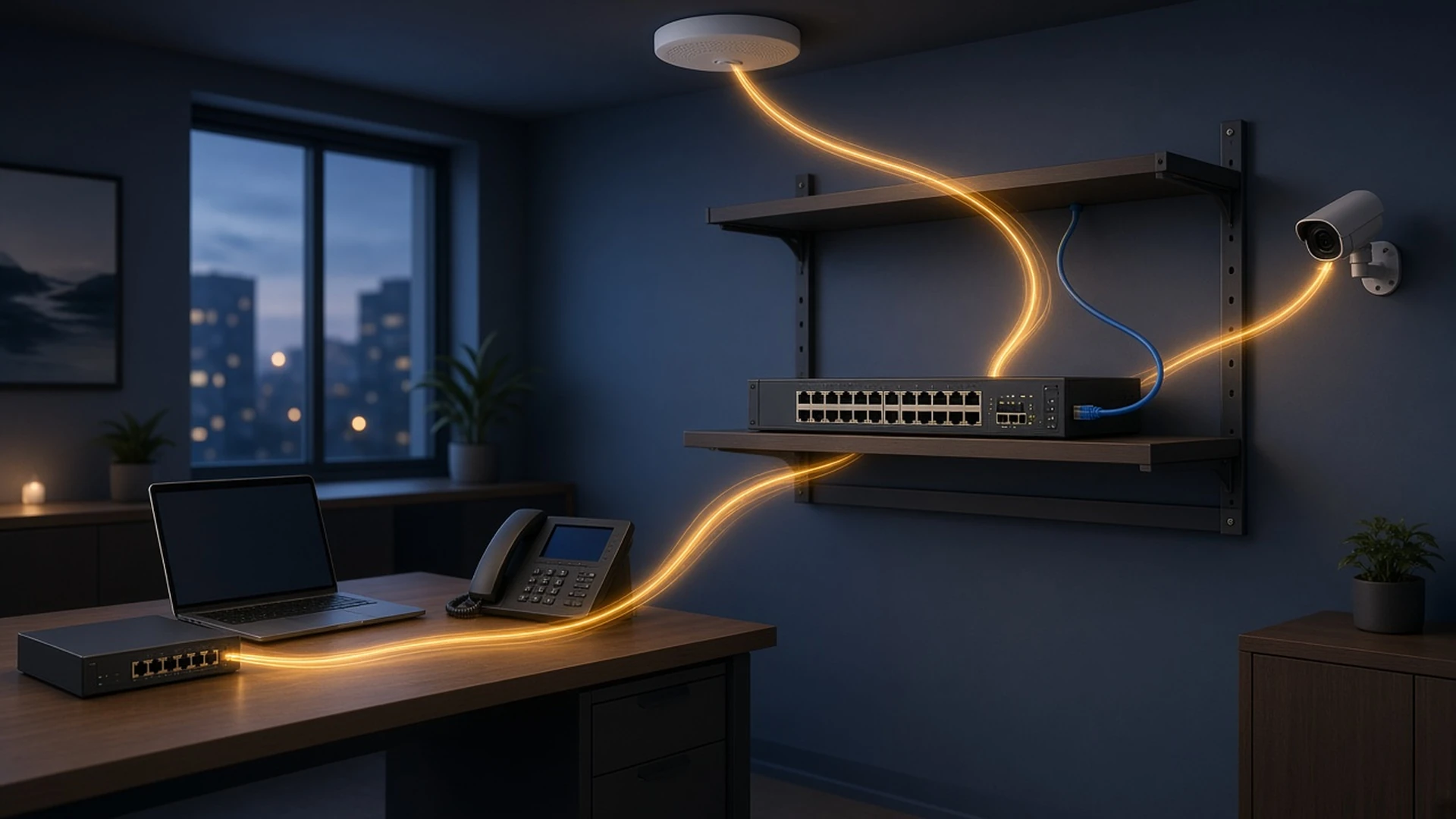
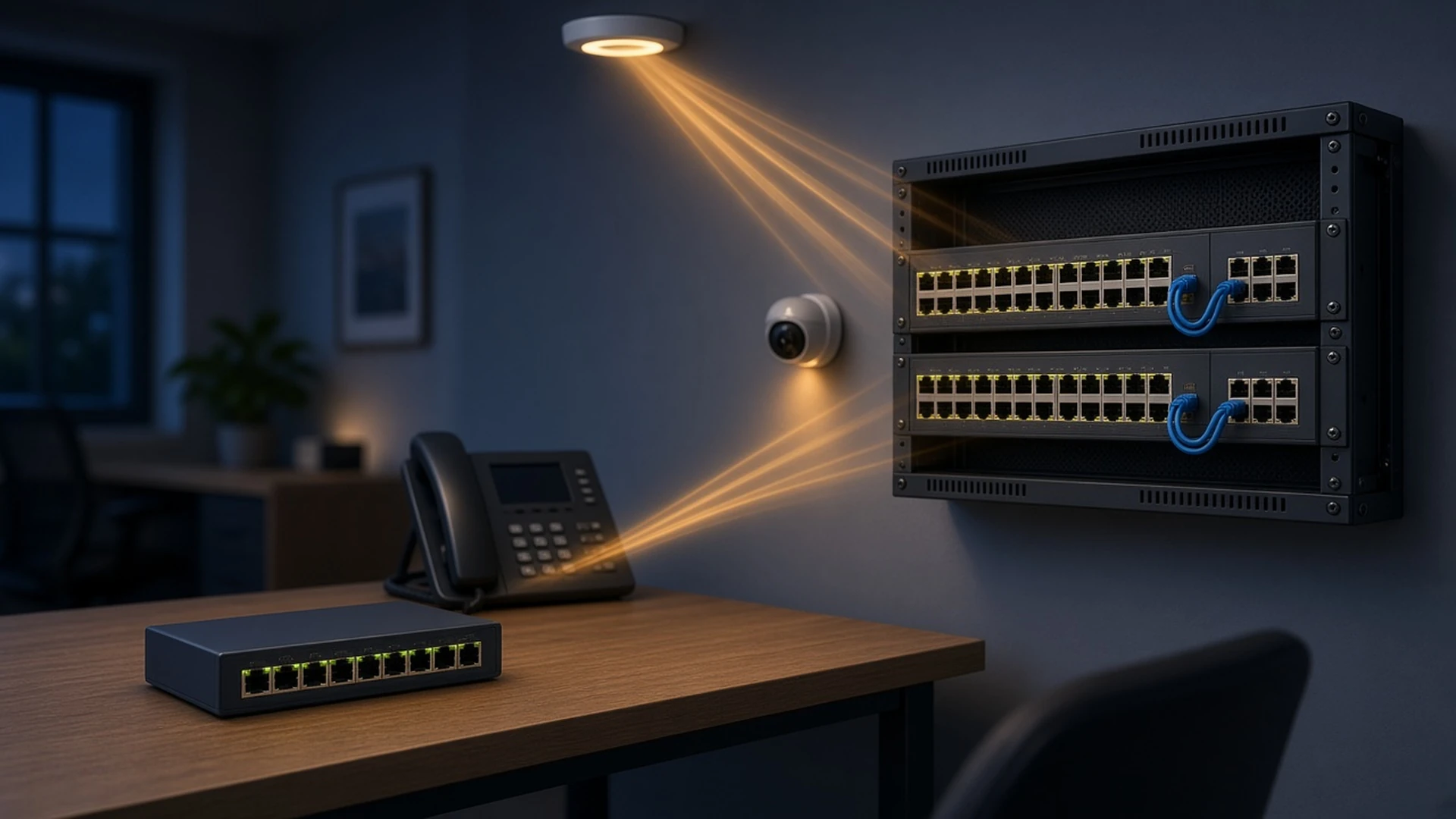
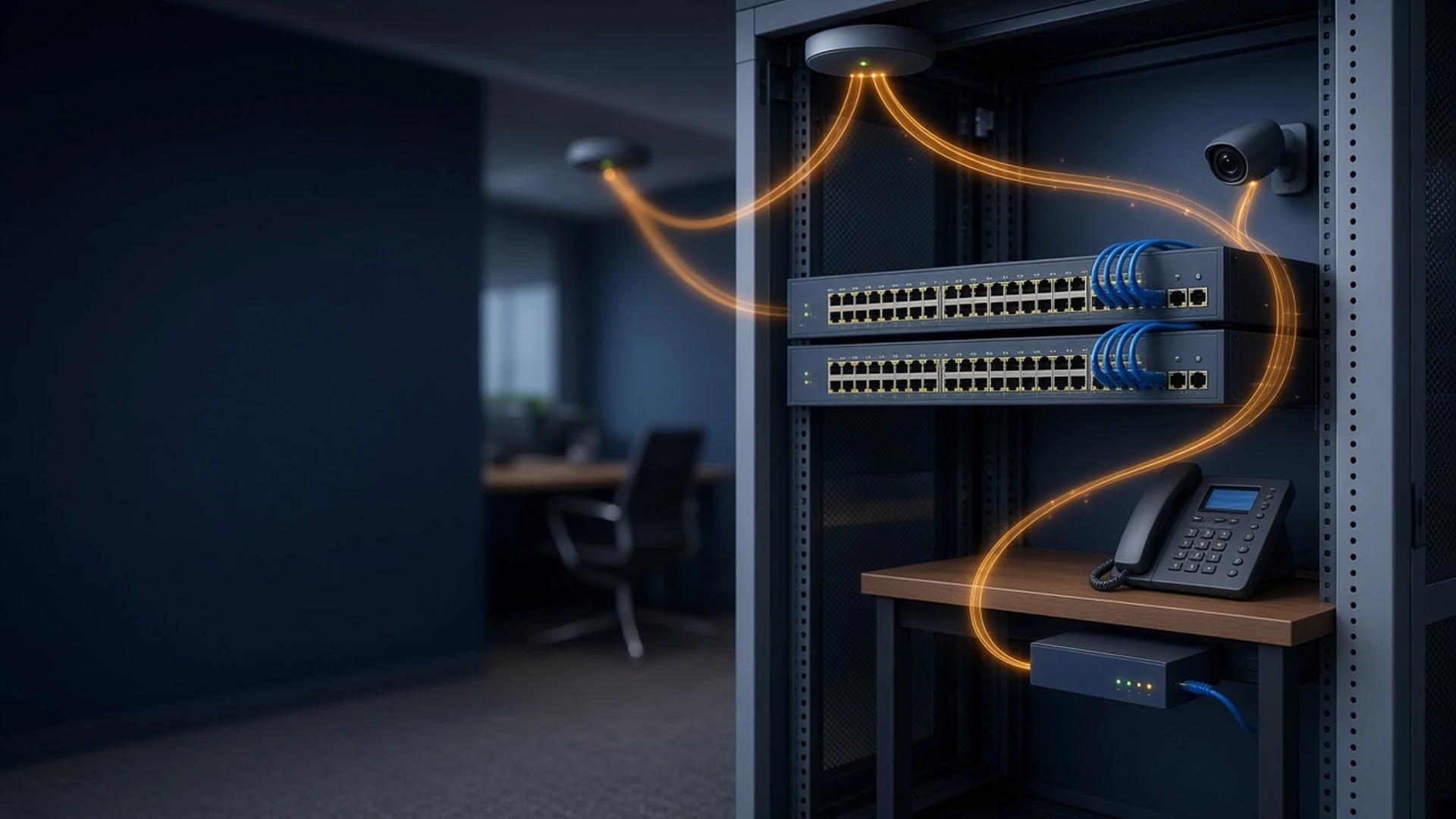
Most Cisco IP Phones draw power over Ethernet (802.3af/at PoE) directly from the switch port. When planning a phone rollout, size your access-layer switching accordingly:
- Catalyst 1000 Series - budget PoE switching for small offices
- Catalyst 9300 Series - enterprise-grade PoE+ access switching for larger phone + AP + camera deployments
- Power injector - use where a non-PoE switch is already in place and phone-by-phone power is more practical than a switch upgrade
Firmware Choice: CUCM vs. Multiplatform (MPP)
Many 6800, 7800, and 8800 Series phones ship with either Cisco Unified Communications Manager (CUCM) firmware or Multiplatform Firmware (MPP). CUCM fits organizations already standardized on Cisco's own call-control platform; MPP is the better fit for third-party SIP/UC platforms or simpler standalone deployments. Confirm firmware compatibility with your call-control platform before ordering.
New vs. Refurbished Collaboration Hardware
As with networking gear, every listing is condition-tagged (New / Refurbished / Factory Sealed). Desk phones and accessories are generally low-risk to buy refurbished since they're function-tested before resale - a practical way to standardize an office on one phone model at lower cost per seat.
Frequently Asked Questions
How many lines do I need on a desk phone?
Most individual desk users need 1-2 lines; shared or admin phones handling multiple extensions or call-forwarding scenarios typically need 4+ lines, which points toward the 7800 or 8800 Series rather than the 6800 Series.
Can I mix phone series across an office?
Yes, it's common to standardize the 6800 or 7800 Series for general staff and reserve the 8800/9900 Series for executives or conference rooms, as long as all models are compatible with the same call-control platform (CUCM or MPP).
Do I need a separate microphone for a Webex room system?
Small and mid-size rooms often have adequate mic pickup built into the Webex device itself; larger rooms or those with poor acoustics benefit from an added microphone such as the Ceiling Microphone Pro or a wired conference mic kit.
What's the benefit of buying phones and switches together in one quote?
Sourcing phones, PoE switches, and cabling together lets you validate power budgets and port counts against the full deployment plan up front, and consolidates vendor-neutral pricing into a single BOM.
Ready to Outfit Your Office or Meeting Rooms?
Request a Quote with your phone count, room list, or full BOM for same-day, vendor-neutral pricing or browse Cisco IP Phones and Video Conferencing Systems directly.