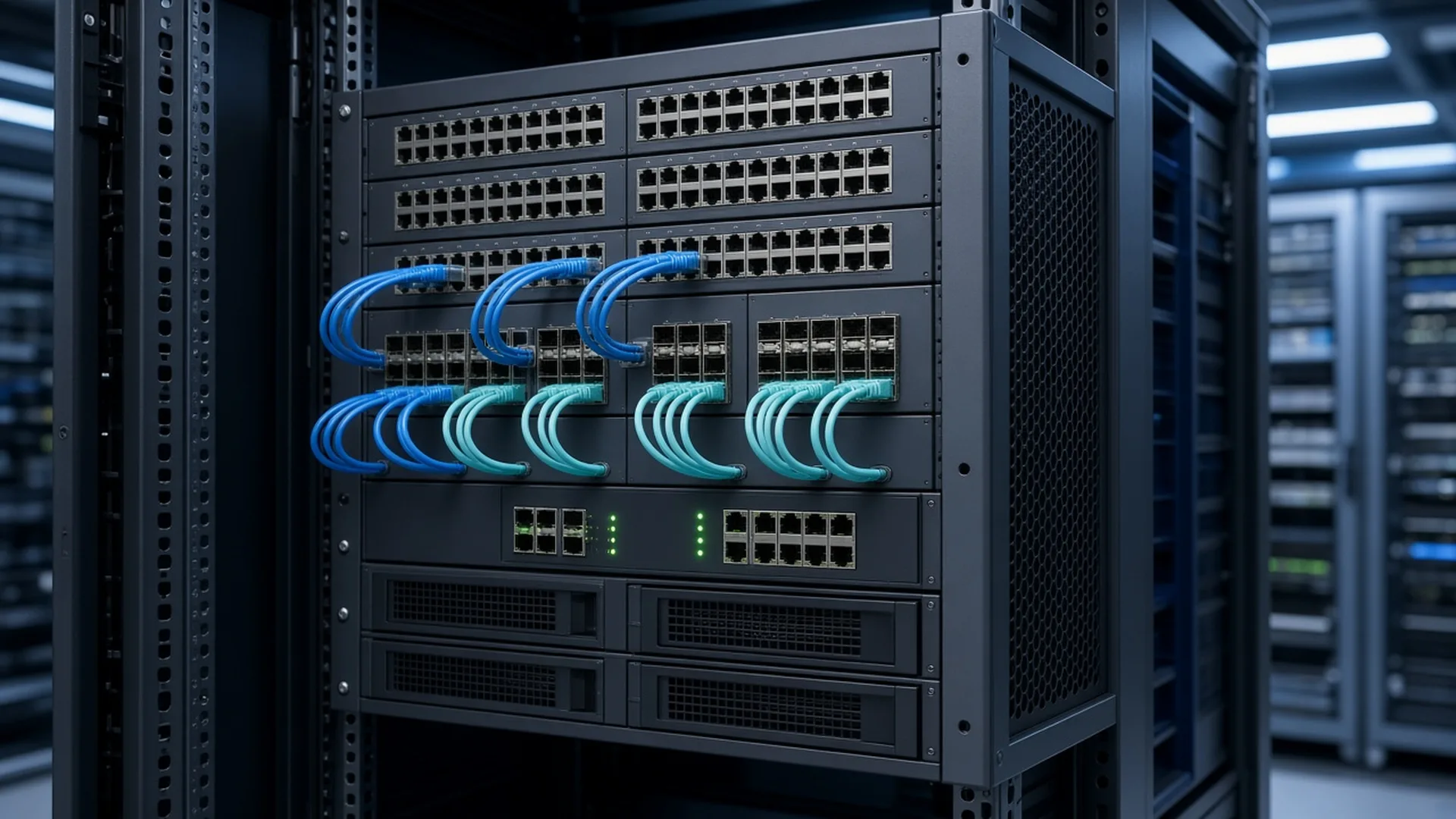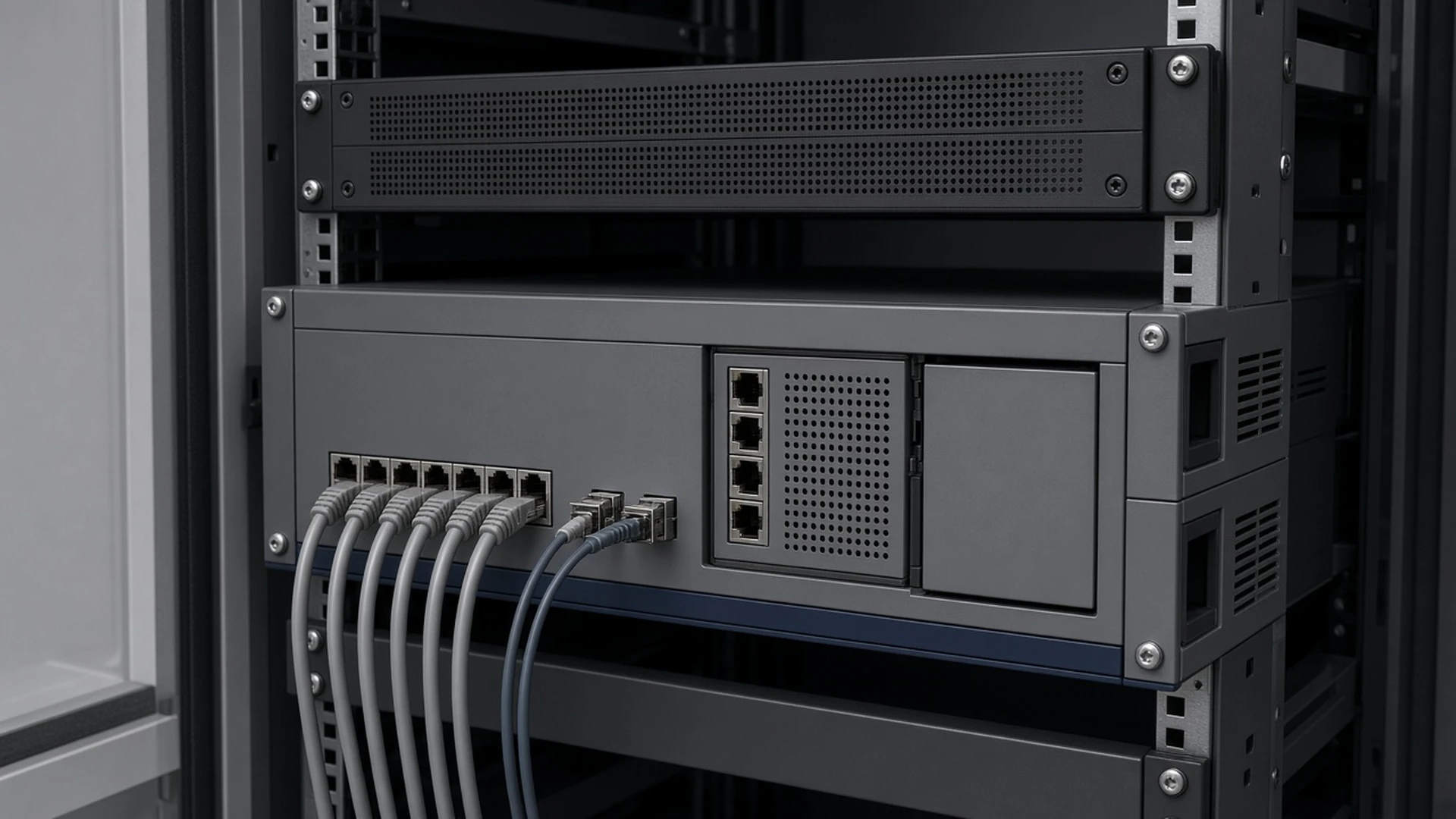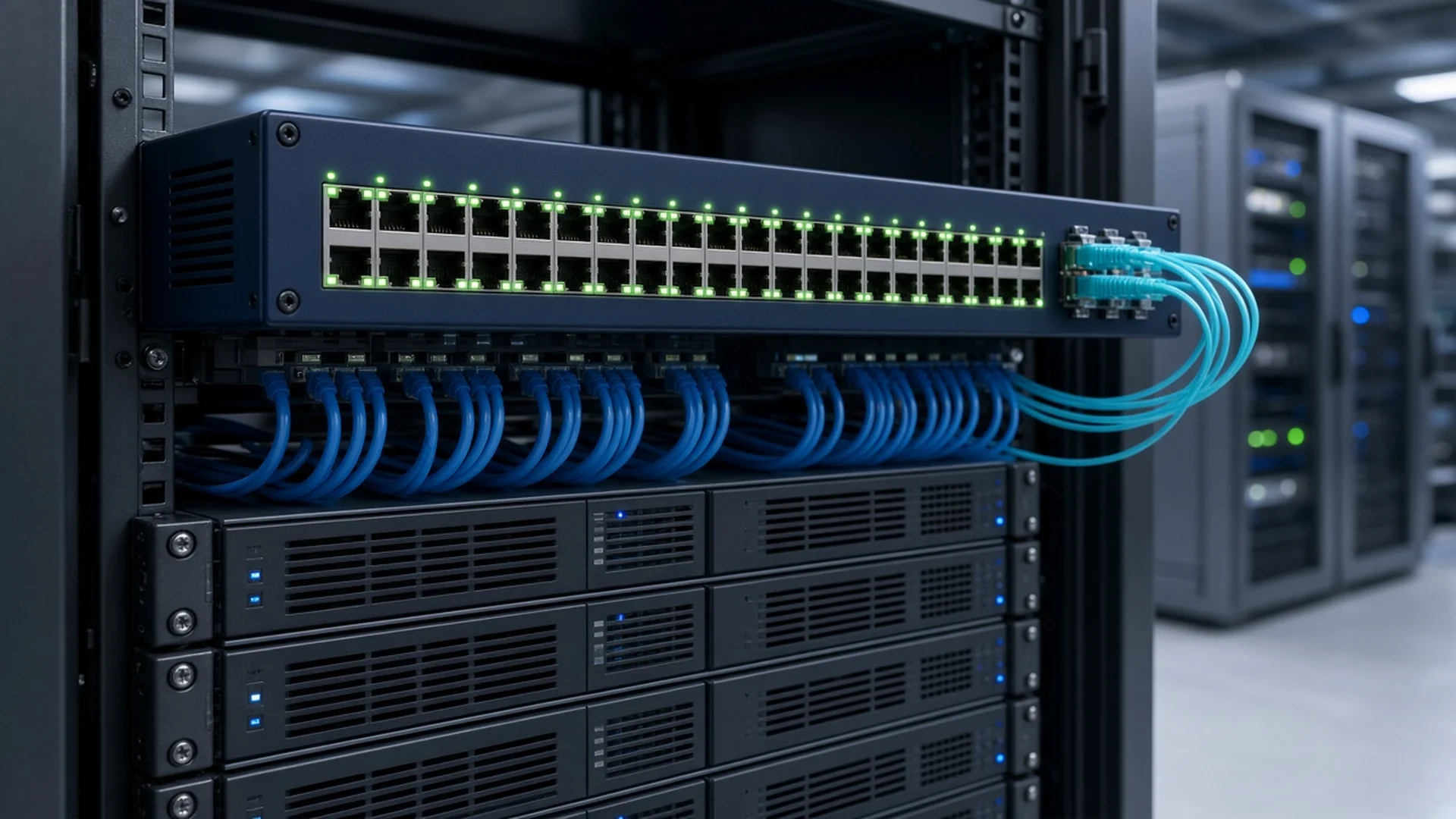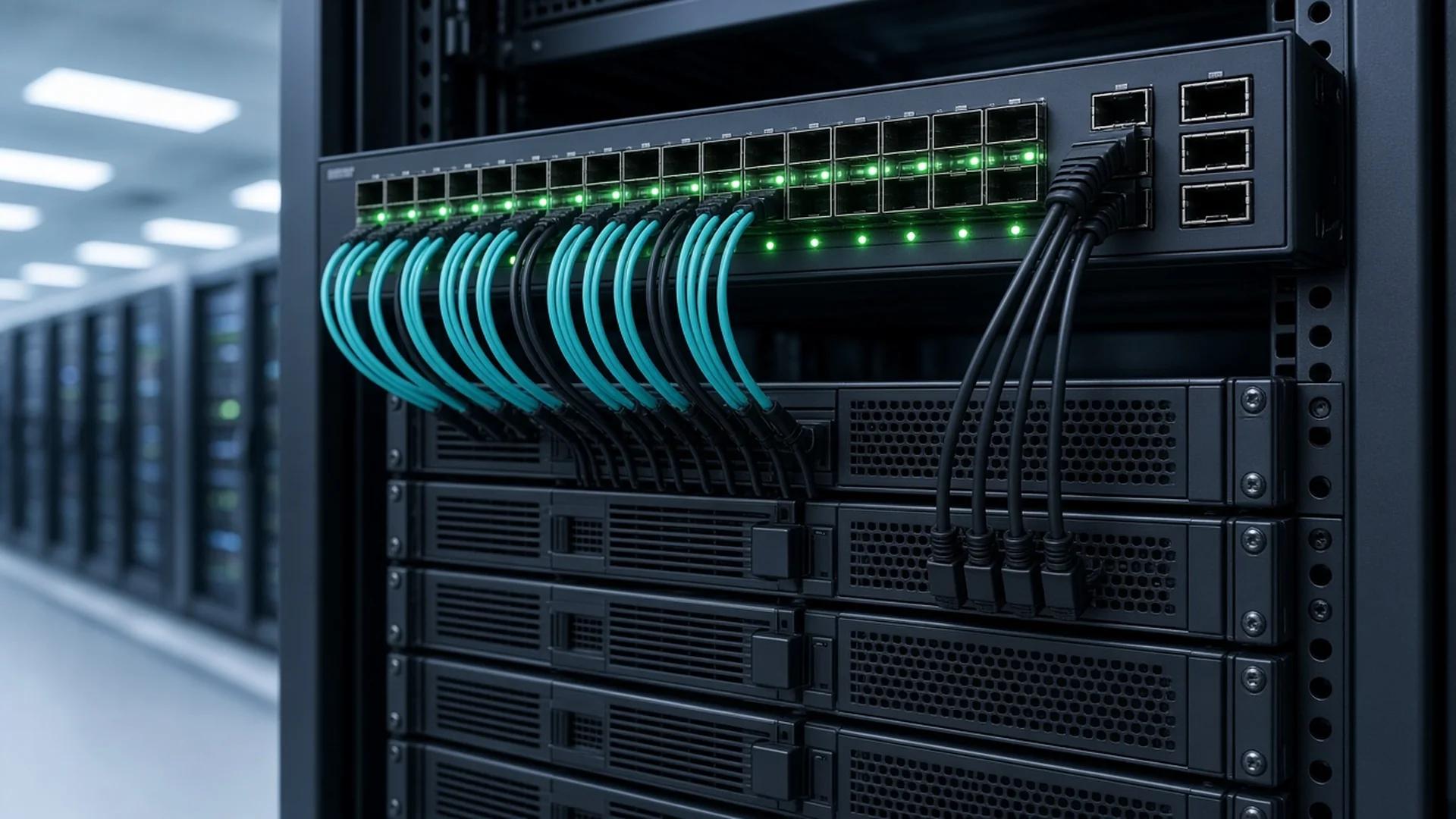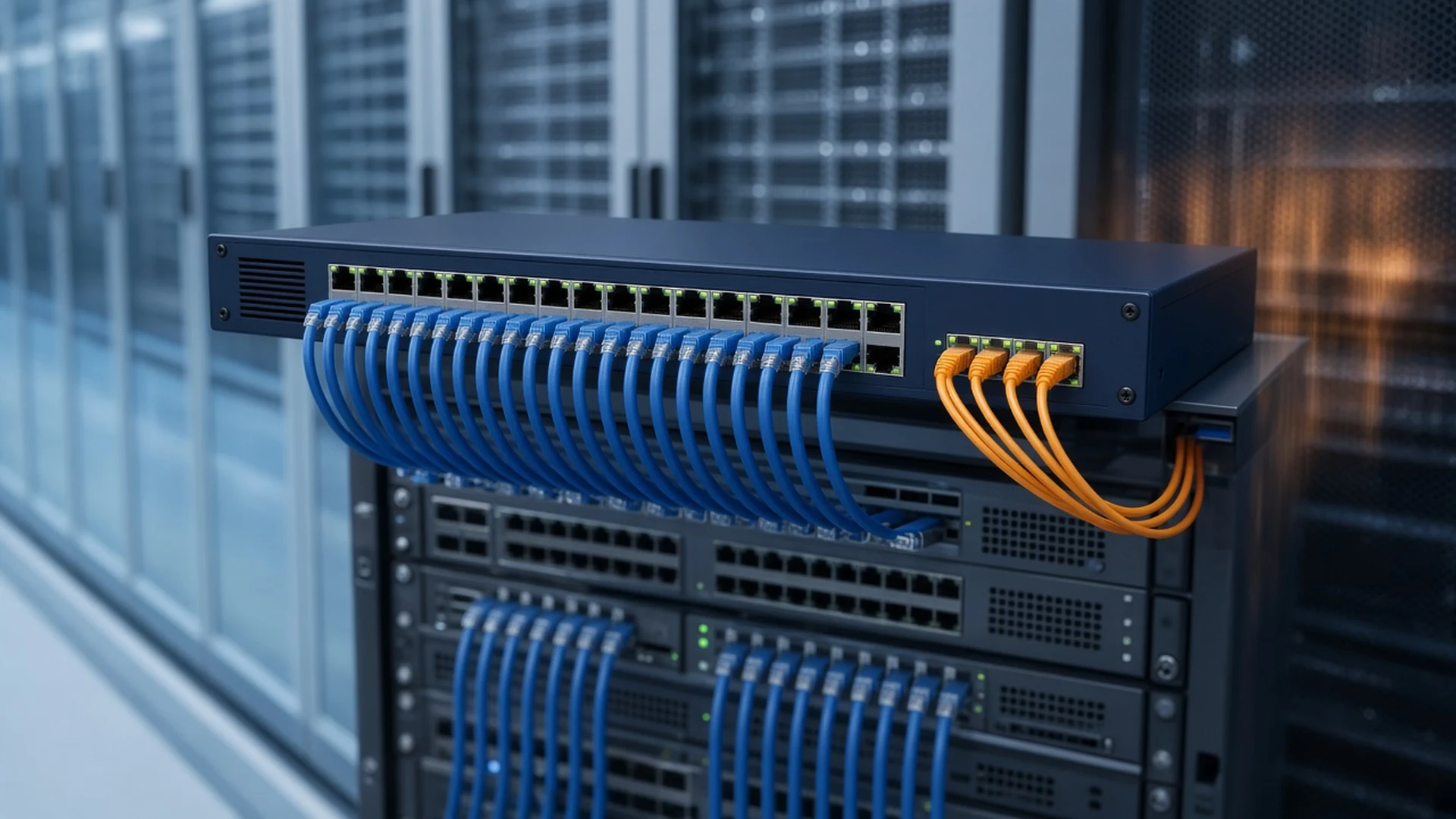


The Cisco Catalyst 4948E-F is the back-to-front airflow version of the Catalyst 4948E, a 1RU top-of-rack switch with 48 Gigabit copper ports and four 10 Gigabit uplinks. Our Cisco Catalyst 4948E-F Switches category lists 4948E-F units alongside standard 4948E models, so this guide explains how to tell them apart, which software package you need and what to order with the chassis.
Short answer: Choose a 4948E-F when your rack exhausts hot air out of the port side of the switch, and a standard 4948E when air must flow from the port side to the rear. Pick the -F-E for Enterprise Services routing with an AC power supply installed, or the bare WS-C4948E-F when you already have power supplies and software. Cisco support ended on October 31, 2022, so these switches suit spares and like-for-like expansion.
What is the difference between the Catalyst 4948E and 4948E-F?
Only the airflow differs. Cisco's data sheet states that the two switches have identical features, but the 4948E cools front-to-back and the 4948E-F cools back-to-front. Cisco's end-of-life bulletin describes the 4948E-F as front exhaust. Ports, performance, software and dimensions are the same on both models.
The airflow direction is set by the fan tray and power supplies, so the parts must match the chassis. Cisco lists a front-exhaust fan tray and the PWR-C49E-300AC-F power supply for the 4948E-F, and a rear-exhaust fan tray and the PWR-C49E-300AC-R power supply for the 4948E. Mixing them works against the hot-aisle and cold-aisle separation the switch was designed for.
There is one software difference to note. Cisco lists Cisco IOS Software Release 12.2(54)SG or later as the minimum for the 4948E and 12.2(54)WO or later for the 4948E-F, and its software images for the two models use separate part numbers.
| Part number | Airflow | Software | Power supply | On our site |
|---|---|---|---|---|
| WS-C4948E-F-E | Back-to-front | Enterprise Services | AC included | WS-C4948E-F-E |
| WS-C4948E-F | Back-to-front | Optional software | None | WS-C4948E-F |
| WS-C4948E-S | Front-to-back | IP Base | AC included | WS-C4948E-S, WS-C4948E-S-RF |
The WS-C4948E-S and WS-C4948E-S-RF in this category are standard 4948E switches with front-to-back airflow, not 4948E-F models. Choose them only when your rack needs that direction.
What ports and performance does the 4948E-F offer?
Every 4948E-F has 48 10/100/1000 RJ-45 downlink ports and four uplink ports that take 1 Gigabit SFP or 10 Gigabit SFP+ optics. Cisco rates the switch at 176 Gbps of nonblocking switching capacity and 131 Mpps for IPv4 or 110 Mpps for IPv6, with a 17.5 MB shared buffer.
The large shared buffer is there to absorb microbursts from busy servers, and Cisco adds Dynamic Buffer Limiting for active queue management. Each port supports up to eight queues for QoS. Cisco also lists hardware IPv6 switching, Equal Cost Multipath load sharing across all four uplinks and eight SPAN sessions.
- Scale: 55,000 MAC addresses, 57,000 routes, 28,000 multicast routes and 32,000 security and QoS entries
- VLANs: 4094 active VLANs, 4094 SVIs and 4094 spanning tree instances
- System: 1 GHz CPU, 1 GB SDRAM, a 10/100/1000 management port and an RJ-45 console port
- Physical: 4.4 × 43.9 × 49.3 cm (1.75 × 17.3 × 19.4 in.) and 8.62 kg (19 lb) with two power supplies and a fan tray
- Power: 230W typical at 25°C and 275W maximum at 55°C, with an operating range of 0 to 40°C
Cisco lists the 4948E and 4948E-F as NEBS Level 3 compliant, and the switch supports front and rear rack mounting.
Which software package do you need?
The 4948E-F runs three Cisco IOS packages. LAN Base covers Layer 2 switching. IP Base adds static routes, RIPv1, RIPv2 and EIGRP stub. Enterprise Services adds full routing with OSPF, IS-IS, EIGRP and BGP. The part number suffix tells you what a switch shipped with: -S for IP Base and -E for Enterprise Services.
The bare WS-C4948E-F was sold with optional software and no power supply, so the package on a given unit depends on how it was ordered and upgraded since. The WS-C4948E-F-E shipped with Enterprise Services, which covers every routing protocol the platform supports.
All three packages include the same data center hardware. Cisco also lists IP SLA, Smart Call Home, Embedded Event Manager and AutoInstall, along with PIM, Source-Specific Multicast, Bidirectional PIM and IGMP and MLD snooping for multicast. Check which features need IP Base or Enterprise Services in Cisco's release notes for the WO software train before you design around them. Ask us to confirm the installed image from the unit's software version output.
Which power supplies and optics should you order?
Order back-to-front power supplies and optics for your uplinks. The 4948E-F takes two internal hot-swappable power supplies in a 1+1 redundant setup, and the -F-E ships with one AC supply installed. Add a second PWR-C49E-300AC-F for redundancy, or two for a bare WS-C4948E-F.
The PWR-C49E-300AC-F is a 300W AC supply with front exhaust to match the switch. Cisco's data sheet gives an AC input range of 90 to 264 VAC. Cisco listed a separate front-exhaust DC supply for the 4948E-F, so ask us if your site runs on -48 VDC.
For uplinks, Cisco lists SR, LR, LRM, CX4, CWDM and DWDM optics for the 4948E and 4948E-F, and all four uplinks accept Gigabit SFP or 10 Gigabit SFP+ modules. An SFP-10G-SR is the usual choice over multimode fiber inside a data center, and an SFP-10G-LR covers single-mode runs to a distant aggregation switch. Confirm each optic against Cisco's compatibility tables for the 4948E-F before you order.
The fan tray is hot-swappable and has redundant fans. Check that a refurbished unit's fan tray is the front-exhaust version.
How does the 4948E-F compare with other Catalyst 4900 switches?
The 4948E-F doubles the uplink bandwidth of the original Catalyst 4948 and has true back-to-front airflow with no side or top venting. Cisco's comparison table shows four SFP+ uplinks on the 4948E-F, against four Gigabit SFP ports on the Catalyst 4948 and two X2 ports on the Catalyst 4948 10 Gigabit Ethernet switch.
Cisco rates the 4948E-F at 176 Gbps, against 96 Gbps for the Catalyst 4948 and 136 Gbps for the 4948 10 Gigabit Ethernet switch. Both older models use side-to-rear airflow, which is why the 4948E-F fits hot-aisle and cold-aisle racks better. For the rest of the family, see our Cisco Catalyst 4900 Switches category.
When should you upgrade instead?
Upgrade when you need Cisco support, current software or more than four 10 Gigabit uplinks. Cisco's end-of-life bulletin points 4948E-F customers to the Catalyst 3850 Series, and also to the Catalyst 9300 and Catalyst 9500 Series. For an existing fleet of 4948E-F switches, a matching spare is often the faster fix.
Cisco's end-of-life bulletin (EOL11273) gives these dates for the 4948E and 4948E-F:
- End-of-sale: October 31, 2017
- Last ship date: January 29, 2018
- End of software maintenance releases: October 31, 2018
- End of vulnerability and security support: October 30, 2020
- End of service contract renewal: January 29, 2022
- Last date of support: October 31, 2022
For new projects, most buyers look at the Catalyst 9300 for access or the Catalyst 9500 for aggregation. Compare them in our Cisco Catalyst 3850 Switch Buying Guide and Cisco Catalyst 9300 Switch Buying Guide.
For aggregation upgrades, browse the Cisco Catalyst 9500 Switches category.
What should a Catalyst 4948E-F RFQ include?
Send these details with your request so we can quote the right 4948E-F on the first pass:
- Airflow direction for the rack: back-to-front (4948E-F) or front-to-back (4948E)
- Software package: LAN Base, IP Base or Enterprise Services
- Number of AC power supplies, or whether the site uses DC power
- Uplink optics by type and quantity, such as SR or LR
- New or refurbished condition, and how many units you need
- The part number you are replacing and its IOS version
Catalyst 4948E-F FAQs
Is the 4948E-F the same switch as the 4948E?
Yes, apart from airflow. Cisco states that the two switches have identical features. The 4948E-F cools back-to-front and the 4948E cools front-to-back, so each needs its own matching fan tray and power supplies.
What does -F-E mean in WS-C4948E-F-E?
-F marks the back-to-front airflow model, and -E means it shipped with Cisco IOS Enterprise Services and an AC power supply. The bare WS-C4948E-F shipped with optional software and no power supply.
Can I use a 4948E power supply in a 4948E-F?
Use the PWR-C49E-300AC-F, which Cisco lists for the 4948E-F with front exhaust. The PWR-C49E-300AC-R is the matching supply for the front-to-back 4948E, so it would push air the wrong way in a 4948E-F.
Do all four uplinks support 10 Gigabit?
Yes. Cisco states that the 4948E and 4948E-F support 10 Gigabit Ethernet SFP and SFP+ on all four uplinks. They also accept 1 Gigabit SFP optics, which helps when you move from Gigabit to 10 Gigabit uplinks.
Is the Catalyst 4948E-F still supported by Cisco?
No. Cisco's last date of support for the 4948E and 4948E-F was October 31, 2022. Security fixes ended on October 30, 2020. The switches still suit spares and expansion of a network you already run.
What does Cisco recommend instead of the 4948E-F?
Cisco's end-of-life bulletin recommends the Catalyst 3850 Series, and it also points to the Catalyst 9300 and Catalyst 9500 Series. Most new projects now choose between the Catalyst 9300 and 9500.
About this guide
Prepared by M&F Collaboration, a B2B reseller of Cisco networking, collaboration, power, and UCS hardware based in West Chicago, Illinois. Port, airflow, software, power, optics and lifecycle details were checked against Cisco's Catalyst 4948E and 4948E-F data sheet and Cisco's end-of-life bulletins. When a marketplace listing title disagrees with Cisco's data sheet, we follow the data sheet.
Need a Catalyst 4948E-F for your server racks?
Tell us the airflow direction, software package, number of power supplies and the uplink optics you need. We will match new or refurbished 4948E-F and 4948E switches, power supplies and SFP+ modules.
Prefer to browse first? Explore these categories: