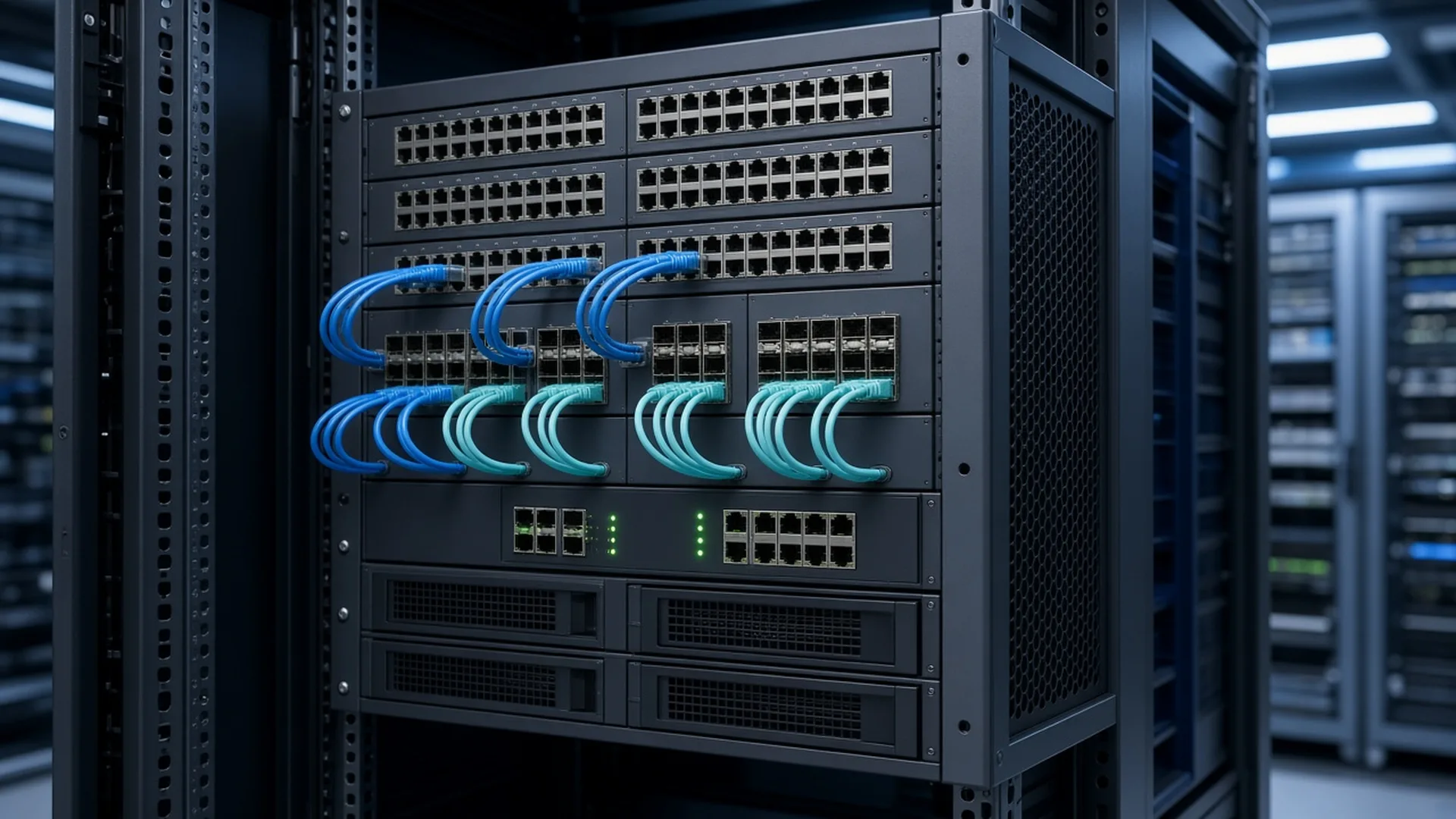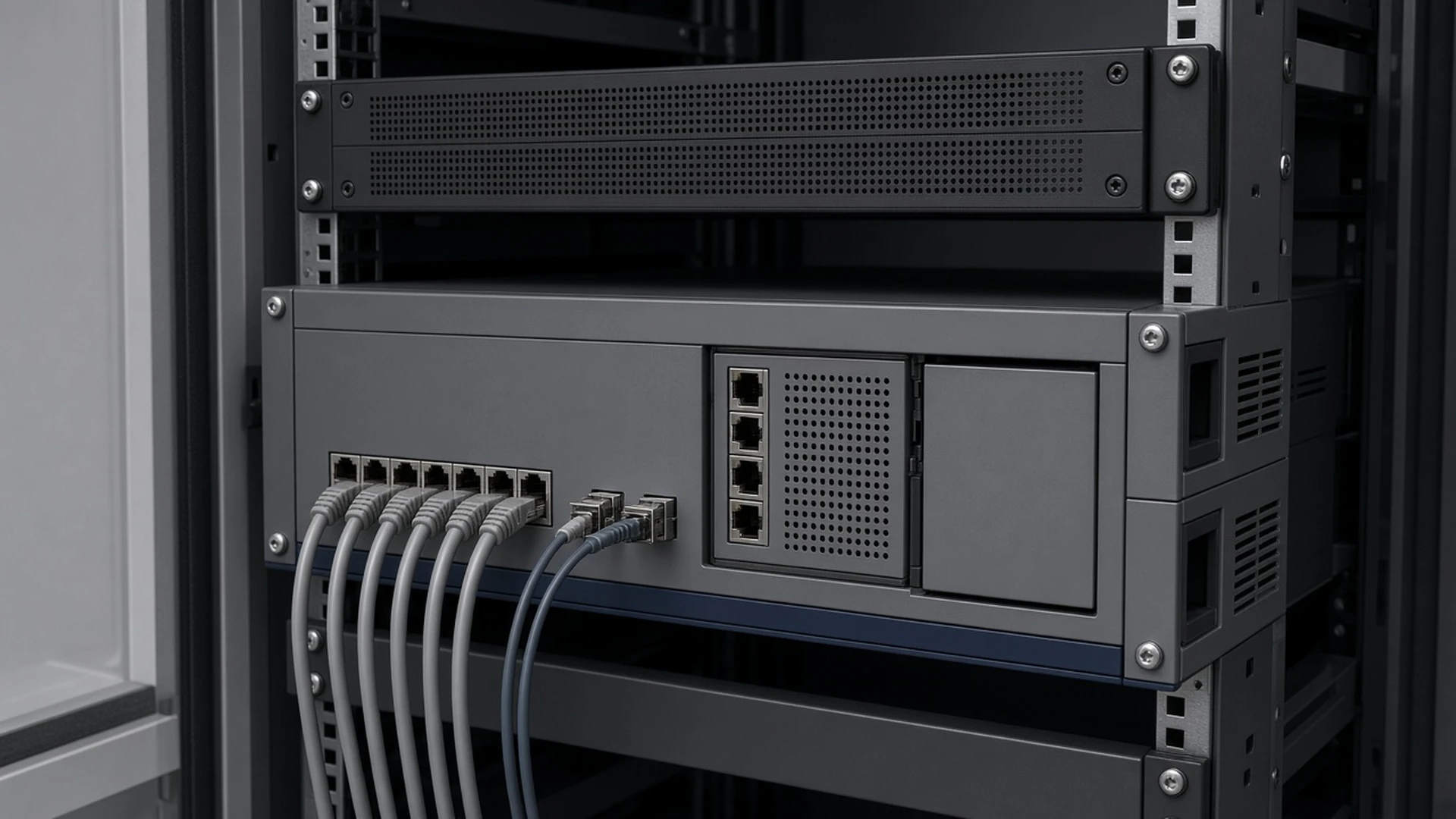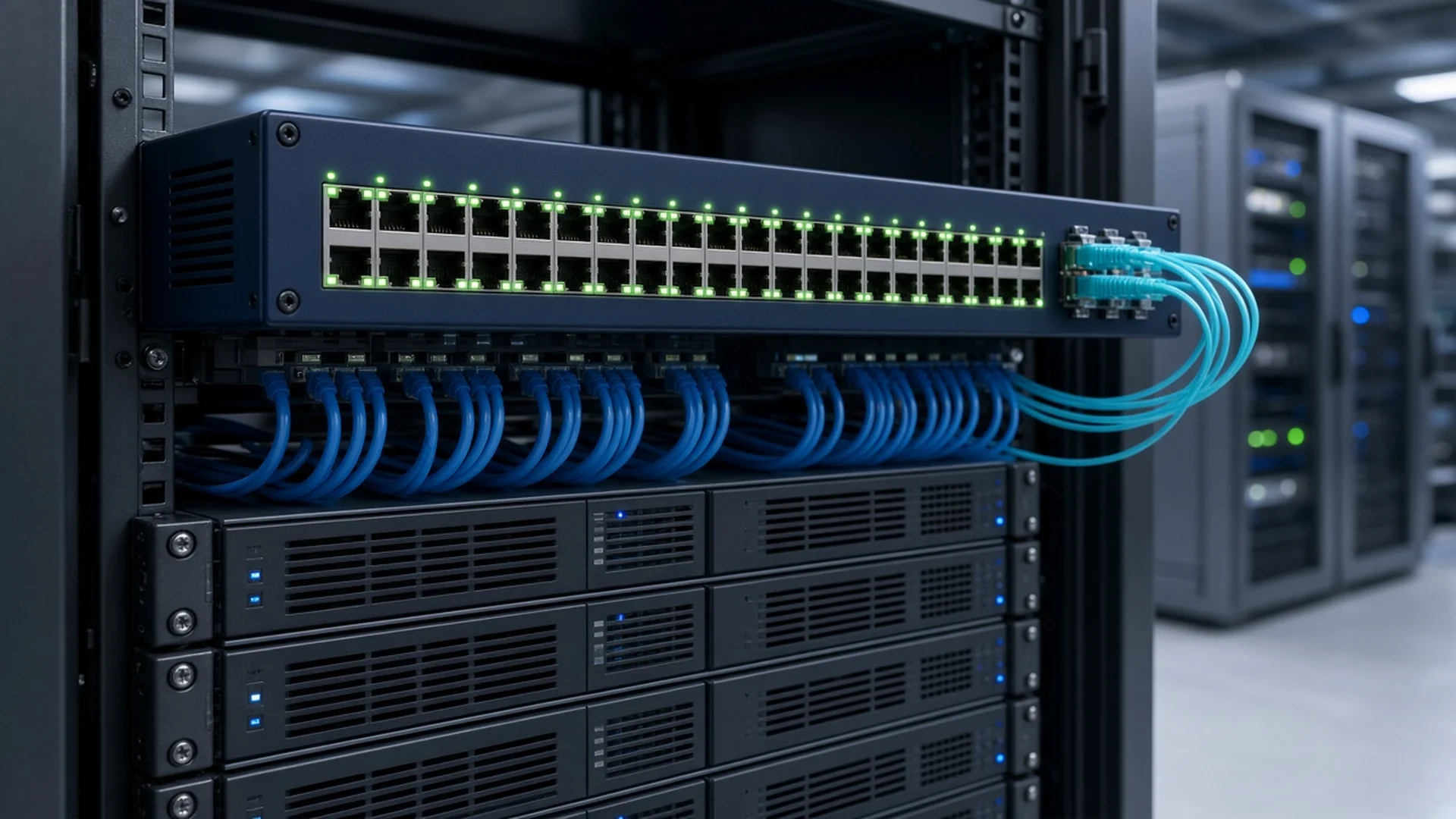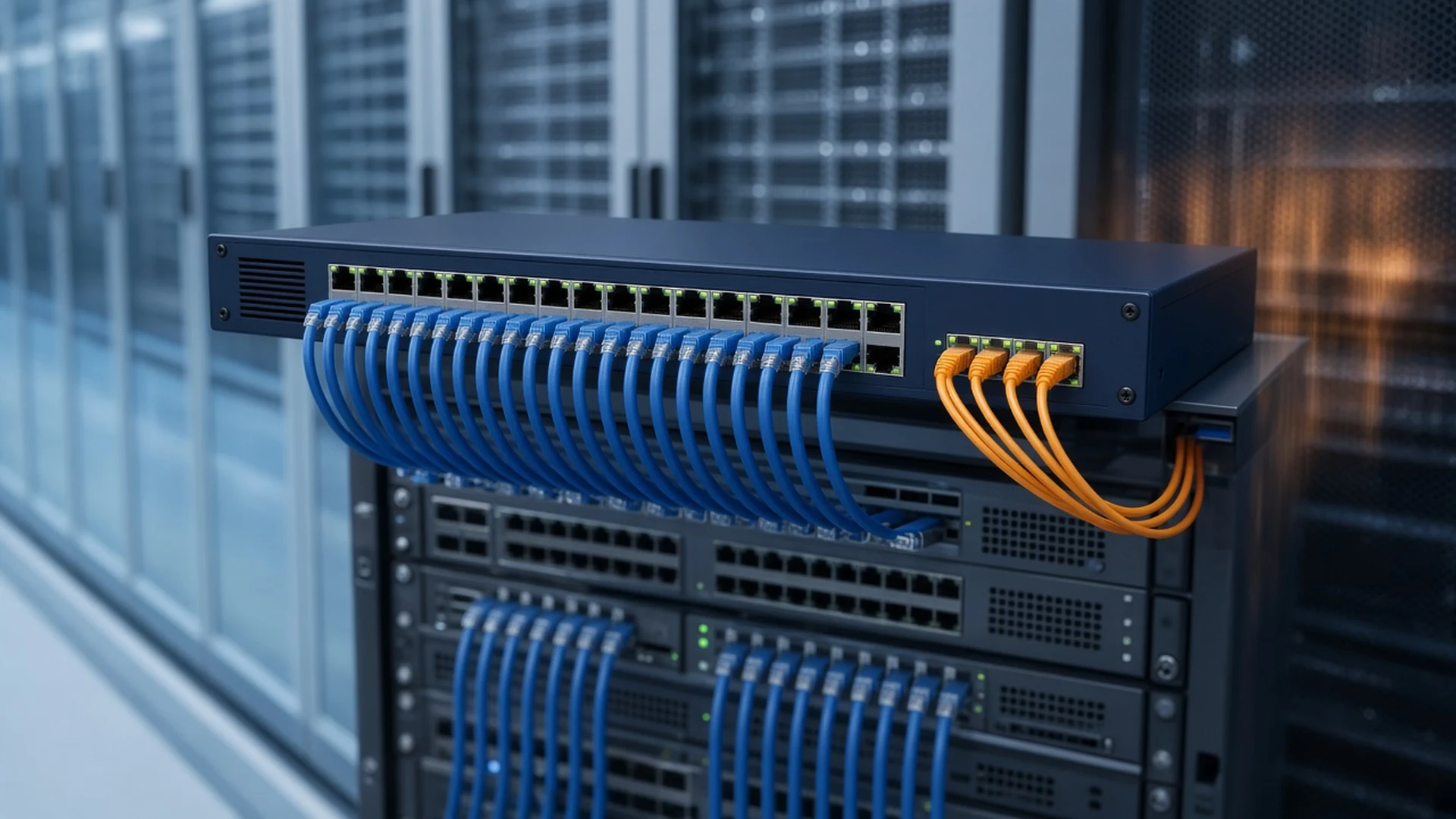


The Catalyst 3850 was Cisco's flagship stackable access switch before the Catalyst 9300, and it still anchors a lot of campus closets. Our Cisco Catalyst 3850 Switches category covers copper, PoE+, UPOE, multigigabit and 10G SFP+ models. This guide matches them to Cisco's 3850 data sheet and end-of-life bulletins, so you can quote the right part number, license and accessories the first time.
Short answer: Buy a 3850 to expand or repair an existing 3850 stack, or to stock spares. Match the license suffix of the stack members you have, since Cisco only stacks like with like. Pick UPOE or multigigabit models for high-power access points. For a new build that needs years of Cisco support, choose the Catalyst 9300.
Which Catalyst 3850 model fits your closet?
Start with the port type. Copper models come in 24 or 48 ports as data-only (T), PoE+ (P), full PoE+ (F) or UPOE (U). The 24XU and 12X48U add multigigabit UPOE ports. The fiber models use Gigabit SFP (12S, 24S) or 10G SFP+ ports (12XS to 48XS). The suffix sets the license: -L, -S or -E.
Cisco's default power supply sets each model's PoE budget, and that's where most quoting mistakes start. Every model has two power supply bays and ships with one supply. The table below uses Cisco's default configurations.
| Model type | Example on our site | Downlink ports | Default supply | PoE budget |
|---|---|---|---|---|
| Data only | WS-C3850-24T-S | 24 or 48 × 10/100/1000 | 350WAC | None |
| PoE+ | WS-C3850-48P-S | 24 or 48 × PoE+ | 715WAC | 435W |
| Full PoE+ | WS-C3850-48F-E | 48 × PoE+ | 1100WAC | 800W |
| UPOE | WS-C3850-48U-S | 24 or 48 × UPOE (60W per port) | 1100WAC | 800W |
| Multigigabit UPOE | WS-C3850-24XU-L | 24 × 100M to 10G UPOE | 1100WAC | 580W |
| Mixed multigigabit | WS-C3850-12X48U-E | 12 × 100M to 10G + 36 × 10/100/1000 UPOE | 1100WAC | 630W |
| 10G SFP+ | WS-C3850-24XS-E | 12 or 24 × 1/10G SFP+ | 350WAC (12XS), 715WAC (24XS) | None |
The 16XS and 32XS are bundles. Cisco defines the 16XS as a 12XS with a C3850-NM-4-10G module and the 32XS as a 24XS with an C3850-NM-8-10G. The WS-C3850-48XS-S is the outlier, with 48 SFP+ and four QSFP+ ports. It doesn't stack, doesn't support StackPower and takes no network module.
How does StackWise-480 on the 3850 differ from StackWise-160 on the 3650?
StackWise-480 is built into every stackable 3850 and gives the stack 480 Gbps of capacity, with up to nine switches managed as one. The Catalyst 3650 uses StackWise-160, an optional stacking module rated at 160 Gbps, also for up to nine switches. You can't mix 3850 and 3650 switches in the same stack.
StackWise-480 runs the stack with an active and a standby switch using stateful switchover (SSO), so a failed active switch hands over without dropping the stack. It also switches traffic locally when both ports sit on the same member. The 3650 is the lower-cost sibling with fixed uplinks, and you add its stack module only if you want to stack. If your closet runs Cisco Catalyst 3650 Switches, buy 3650 members; a 3850 won't join that stack.
StackWise-480 cables such as the STACK-T1-50CM connect the rear stack ports. Order enough cable lengths to close the ring, especially when the members span more than one rack.
Which license do you need: LAN Base, IP Base or IP Services?
Cisco's 3850 data sheet names three license levels: LAN Base (-L) for Layer 2 access, IP Base (-S) for routed access and the wireless controller, and IP Services (-E) for full enterprise routing. Cisco also sells DNA Essentials and DNA Advantage as term add-ons, and from IOS XE 16.9.1 the same names run under Smart Licensing.
In practice, the levels split like this:
- LAN Base: Layer 2 switching, up to 255 VLANs and limited static routing.
- IP Base: 1,000 VLANs, RIP, EIGRP stub, OSPF for routed access, policy-based routing and the integrated wireless controller.
- IP Services: full OSPF, EIGRP, BGP, IS-IS, PIM multicast routing, IPv6 routing and VRF-Lite.
Cisco states that each license level only stacks with the same level, so a LAN Base unit can't join an IP Base stack. Cisco sells the SFP and SFP+ models only as IP Base or IP Services, but they can be set to LAN Base mode from the CLI to stack with LAN Base members. Upgrades were activated with right-to-use licenses until IOS XE 16.9.1, when Smart Licensing took over.
Can a 3850 stack run your wireless network?
Yes, on IP Base or IP Services. Cisco's data sheet lists an integrated wireless controller for up to 100 access points and 2,000 clients per 3850 stack; the 3650 supports fewer access points and clients. Mobility agent mode needs no extra license, but controller mode needs access point licenses.
The WS-C3850-48PW-S is a 48-port PoE+ IP Base bundle that includes five access point licenses, which makes it a simple way to start a small converged deployment. Wireless controller support depends on the IOS XE release, so check the version you plan to run before you design around it. UPOE and multigigabit models are the better match for newer access points that draw more power or push beyond 1 Gbps per port.
Which network modules, power supplies and cables do you need?
Cisco ships the modular 3850 without a network module, so plan uplinks before you order. Gigabit copper 24-port and SFP models take the 4 × 1G or 2 × 10G module. The 48-port models also take the 4 × 10G module. The 24XU, 12X48U and 24XS add 8 × 10G and 2 × 40G options.
The 12XS accepts only the 4 × 10G module. Browse our Cisco Switch Modules for the full range, and pair 10G modules with SFP+ optics from our Transceivers category.
Power is the other line item. Full PoE+ on all 48 ports of a PoE+ model needs two 1100W supplies, or an 1100W and a 715W. Full 60W UPOE on a 24U needs an 1100W plus a 715W, and two 1100W supplies give full UPOE on up to 30 ports of a 48U. Our Cisco Power Supplies page lists compatible Config 1 supplies.
StackPower pools supplies across up to four switches, or nine with an XPS 2200. LAN Base supports it, but Cisco notes the StackPower cables must be bought separately for LAN Base models.
Where do the 3850 end-of-life dates leave you?
It depends on the model. Cisco's last date of support for the copper and multigigabit 3850s was October 31, 2025, under EOL13188. The fiber models, from the 12S to the 48XS, follow EOL13873, with security fixes and support running until April 30, 2027. Cisco mostly names Catalyst 9300 models as replacements.
For the copper models, Cisco's end of sale was October 30, 2020, and software maintenance ended October 30, 2021. For the fiber models, end of sale was April 30, 2022, and the last service contract renewal date was July 29, 2026. Spares for a stable stack still make sense, but plan the refresh. Start with our Cisco Catalyst 9300 Switch Buying Guide and browse Cisco Catalyst 9300 Switches hardware.
Note that in Cisco's migration tables, the 9300 replacements use Network Essentials and Network Advantage licensing. Those names belong to the 9300, not the 3850.
What should a Catalyst 3850 RFQ include?
- The model and license suffix of every existing stack member, from show version.
- Your IOS XE version, and whether you use RTU or Smart Licensing and any DNA add-ons.
- The number of PoE, PoE+ or UPOE devices per switch, so we can size the second supply.
- The network module for each switch, plus SFP or SFP+ optics.
- StackWise-480 and StackPower cable lengths and quantities.
- New or refurbished condition, as shown on each listing.
Catalyst 3850 FAQs
Can I add a 3850 to a 3650 stack?
No. The 3850 uses built-in StackWise-480 and the 3650 uses the optional StackWise-160 module, and Cisco doesn't support mixing the two families in one stack. Add 3650 members to a 3650 stack and 3850 members to a 3850 stack.
Can I mix license levels in a 3850 stack?
No. Cisco states that each license level stacks only with the same level, so every member must run LAN Base, IP Base or IP Services to match. SFP and SFP+ models sold as IP Base or IP Services can be set to LAN Base mode to join a LAN Base stack.
Does the 3850 use Network Essentials and Network Advantage?
No. Cisco's 3850 data sheet and IOS XE 16.9 documentation keep LAN Base, IP Base and IP Services as the base licenses, with DNA Essentials and DNA Advantage as add-ons. Network Essentials and Network Advantage are the licenses on the Catalyst 9300 models that replace the 3850.
Does the 3850 come with uplink ports?
Not by default on the modular models. Cisco ships them without a network module, so you add a 1G, 10G or 40G module to suit the model. The 16XS and 32XS bundles include a 10G module, and the 48XS has fixed SFP+ and QSFP+ ports.
Which 3850 models support multigigabit?
The WS-C3850-24XU and WS-C3850-12X48U. Their multigigabit ports run at 100 Mbps, 1, 2.5, 5 or 10 Gbps with UPOE. The 24XU has 24 such ports, and the 12X48U has 12 multigigabit ports plus 36 Gigabit UPOE ports.
Is the Catalyst 3850 still supported by Cisco?
Only the fiber models. Cisco support for the copper and multigigabit 3850s ended on October 31, 2025. The SFP and SFP+ models are supported until April 30, 2027 for customers with active contracts. A refurbished 3850 remains a practical way to keep an existing stack running while you plan a move.
About this guide
Prepared by M&F Collaboration, a B2B reseller of Cisco networking, collaboration, power, and UCS hardware based in West Chicago, Illinois. Model, power, PoE, network module, stacking, license, and lifecycle details were checked against Cisco's Catalyst 3850 Series data sheet and Cisco's end-of-life bulletins EOL13188 and EOL13873. When a marketplace listing title disagrees with Cisco's data sheet, we follow the data sheet.
Need Catalyst 3850 switches for your stack?
Send us the models and license level of your existing stack members, your PoE load, the network modules, power supplies and cables you need, and the part numbers you have in mind. We will match new or refurbished 3850 units and accessories to your network.
Prefer to browse first? Explore these categories: